
Besprijekorna suradnja: BigBlueButton integracija s Moodle LMS-om
BigBlueButton web conferencing system is very popular among organizations that use Moodle learning management system. Integration of Moodle and BigBlueButton allows to run interactive video classes in Moodle. Here is how to complete BigBlueButton Moodle integration:
- Prijavite se na svoju Moodle LMS stranicu kao administrator.
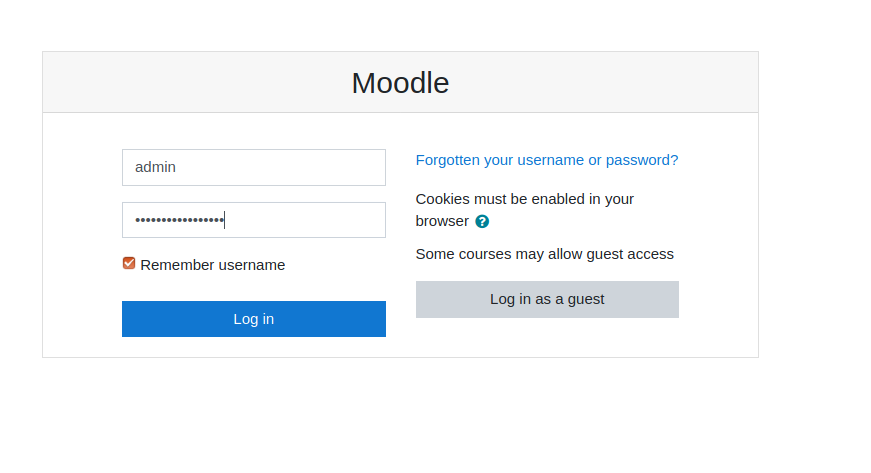
Moodle stranica za prijavu - Go to “Preferences” > “Site administration”.
- Go to “Plugins” > “Install Plugins”.
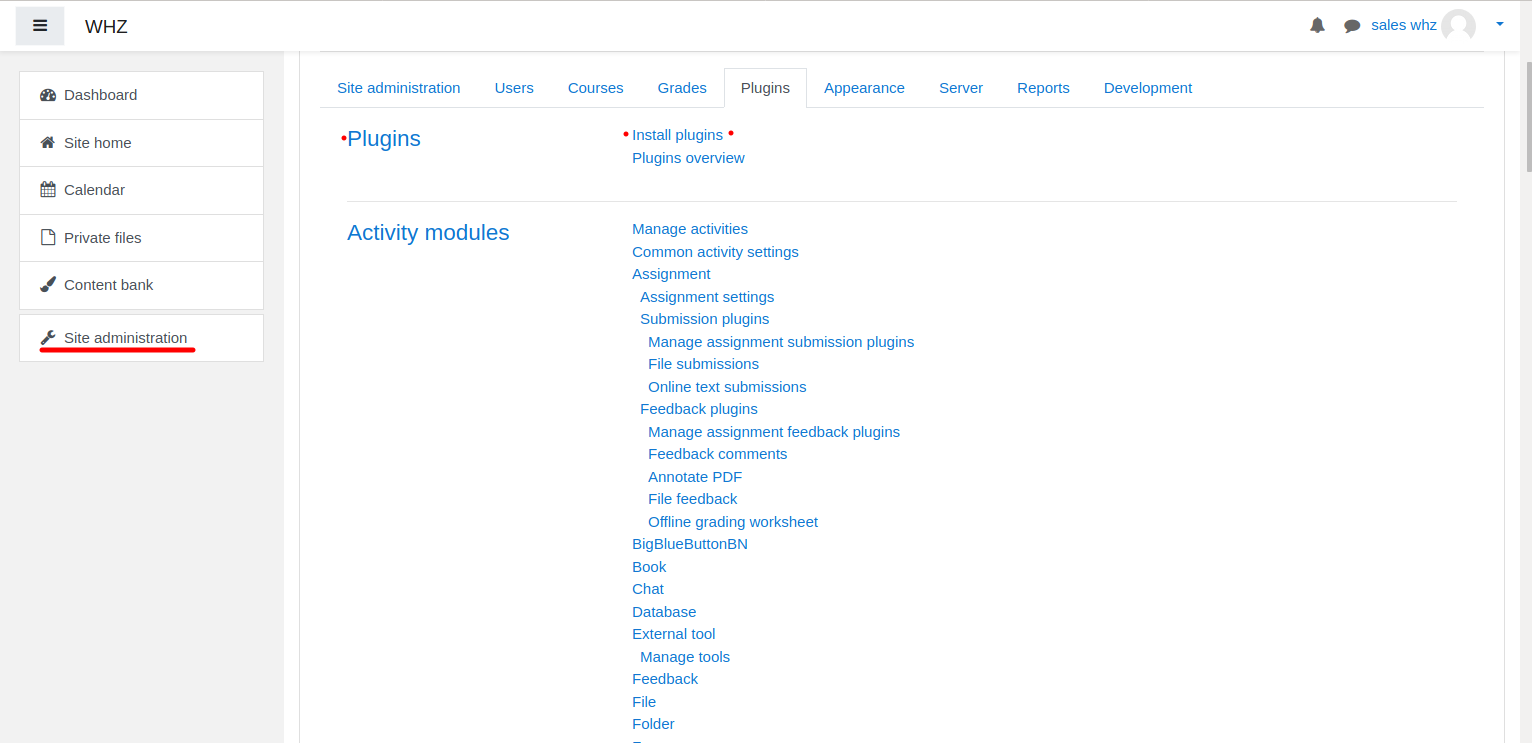
Instalacija Moodle dodatka - Download BigBlueButtonBN dodatak s stranice https://moodle.org/plugins/mod_bigbluebuttonbn i instalirajte ga na svoju Moodle web stranicu.
- Go to “BigBlueButtonBN” plugin settings and replace “BigBlueButton Server URL” and “BigBlueButton Shared Secret” with your own URL and secret. You can get BigBlueButton API info from your BigBlueButton pružatelja usluga.. If you manage BigBlueButton server yourself – via “bbb-conf –salt” command.
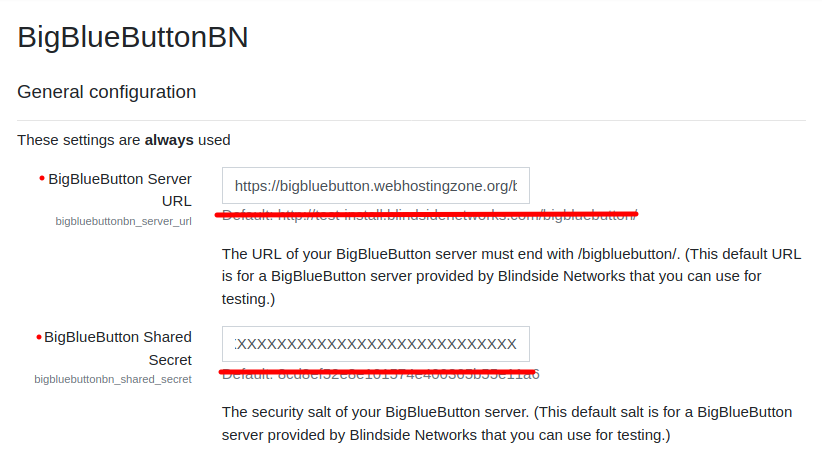
Postavke BigBlueButton dodatka u Moodleu - U ovom trenutku možete započeti BigBlueButton konferencije u svojim Moodle tečajevima.
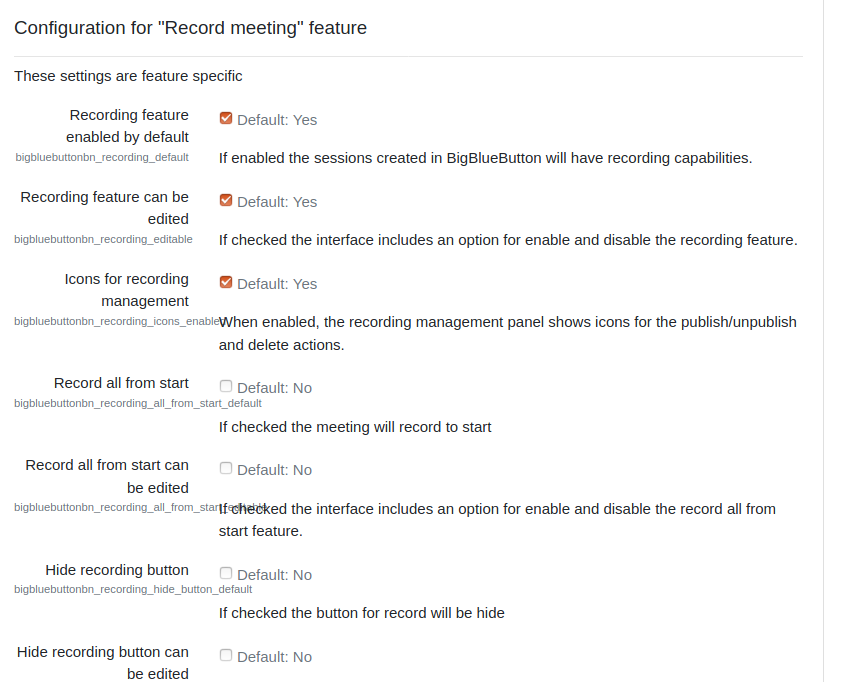
- BigBlueButton plugin for Moodle has many other options to configure. Scroll down through plugin’s settings and enable required features.