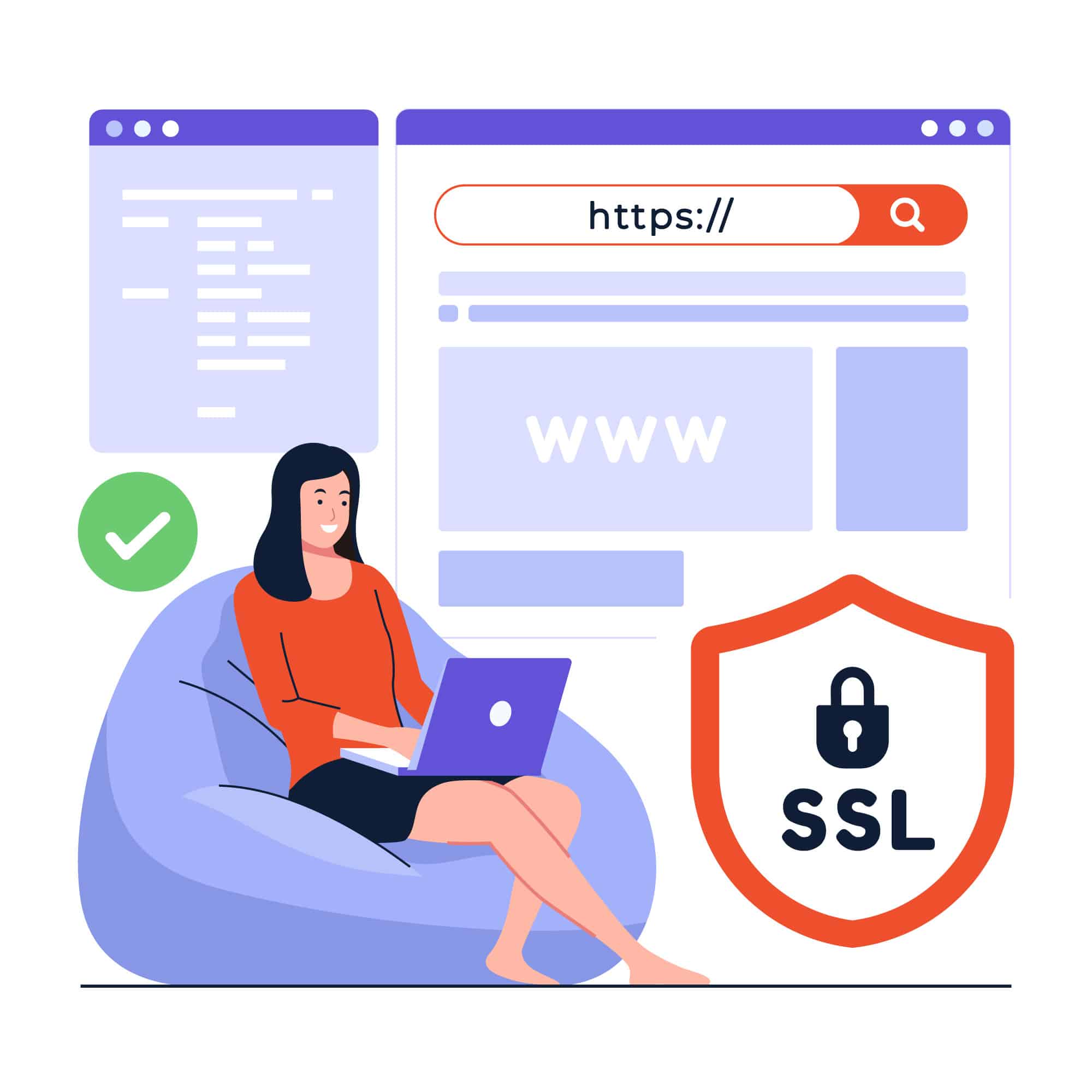

How would you feel if you had to memorize a long string of numbers like “192.158.1.38” to visit a website? You’ll probably never want to use the internet again. The same goes for your customers. しかし幸いなことに、ポール モカペトリスは IP アドレスの巨大な脅威から人類を救い出すために来て、ドメイン名を作成しました。
Web サイトをインターネット上に公開する場合、最初に名前を選択するという作業に直面します。 Just because it’s not a number doesn’t mean customers will be able to remember it.
あなたのブランドに合った、印象に残る名前を選択する必要があります。しかし、どうやって?そう疑問に思っている場合は、この記事が信頼できる相棒となるでしょう。ドメイン名とそのレジストラの基本について紹介します。選び方や購入方法も紹介します。

ドメイン名とは: 基本を理解する
ドメイン名は、Web サイトを識別する一意のテキスト文字列です。ただし、この時点で解決しなければならない誤解があります。 URL とドメイン名は同じではありません。目的は同じですが、名前は長い URL の一部です。
URLを取得しましょう https://www.webhostingzone.org, for example. Here, “webhostingzone” is the domain name, “https” is the security protocol, “www” is the subdomain, and “.org” is the top-level domain.
ドメイン名は Web サイトのホームアドレスと考えてください。自宅の住所が 1 マイルにも及ぶイライラするような文字と数字の羅列になることを望む人はいません。
完璧なドメイン名の選択: ヒントとベスト プラクティス
ドメイン名が何であるかがわかったので、自分のドメイン名を選択することに興奮しているはずです。しかし、2015 年までにご存知でしたか? 2億9,400万のドメイン名が登録されていた?それ以来、この数は増加し続けています。この巨大なプールでユニークなものを見つけるのは、干し草の山から針を探すようなものです。それで、あなたがしなければならないことは次のとおりです。
まず、単にランダムな名前を付けないでください。名前は Web サイトを識別するだけではありません。 奇妙な組み合わせの Web サイトやリンクには誰もアクセスしたくないため、顧客を獲得するか失うかを決定する力があります。
Also, keep it short and simple but don’t go too overboard. Anywhere between 6 to 14 characters would be the bee’s knees.
Shorter than that would confuse your readers and push them away from clicking. And longer would become cumbersome for people to type and remember.
さらに何が? SEO にも影響を与える可能性があります。したがって、業界やブランドのキーワードを必ず含めてください。また、ハイフン、数字、同じ文字を連続して使用することは避けてください。
そして最後に、あなたのお気に入りの名前がビュッフェのテーブルに長く並ぶことはありません。したがって、他の人が手に入れる前にそれを手に入れてください。
ステップバイステップ ガイド: ドメイン名の購入方法

While finding the right domain name is the cornerstone, you can’t use it yet. You must first register the name on a hosting service. Now what exactly are hosting services? Well, these companies provide a service to publish your website online and make it accessible to people.
At the outset, the process might seem like a technical marathon, but it’s not. It is quite straightforward if you research and find a good registrar.
It is also worth mentioning that you can purchase a web address either directly, from a registrar, a web-hosting service, or website-building platforms.
If you’re unsure where to find these, we’ll discuss that later in this article. But for now, let’s see how you can buy a domain name.
ドメイン名登録の探索: プロセスと要件
上記で共有したヒントに従ってドメイン名を選択したと仮定して、登録プロセスについて説明します。
まず、選択した名前が使用可能かどうかを確認します。ほぼすべてのレジストラは 無料のドメインチェックツール that you can use.
すでに取得されている場合には、次の 4 つのオプションがあります。
- Come up with a different name
- 母音除去を使用します。これは、発音に影響を与えずに単語から母音を除去するプロセスです。
- レジストラにお金を払って所有者と交渉し、売却する意思があるかどうかを確認する
- 別のトップレベル ドメインを選択する
The next step is to choose a registrar. Do your due diligence and pick the best one that suits your needs. Moreover, consider its cost and customer support.
名前の費用はどこでも可能です 年間10ドルから20ドル, ただし、開始料金と更新料金に注意してください。 一般的な単語などのプレミアム ドメインの料金は高くなります。
While the exact steps to get a domain name may vary for each registrar, the process is similar. Start by selecting the one you want, provide your contact details, and choose the registration period.
期間が終了したら、忘れずにサブスクリプションを更新してください。レジストラによっては、このプロセスのある時点でアカウントを作成する必要があります。
次に、プライバシー保護を設定し、支払いに進み、覗き見を避けるために所有権を確認します。それで終わりです。ドメインを保護しました。
ドメイン名を購入する場所: 評判の良いレジストラとマーケットプレイス
Earlier, we mentioned that buying and registration will become child’s play if you choose a good provider. So after learning how to register a domain name, it’s time to explore some registrars and marketplaces.
Let’s start with the most famous one, 名前安い、ドメインを購入すると無料の WhoisGuard プライバシー保護が提供されます。 また、長期的にはメリットとなる名前とホスティング バンドルも提供されます。彼らのカスタマーサポートは最高のものの一つであることが保証されています。 Namecheap には、Stellar、Stellar plus、Stellar Business の 3 つの共有ホスティング プランがあり、価格はそれぞれ月額 1.98 ドル、2.98 ドル、4.98 ドルです。
ウェブホスティングゾーン は別のドメイン名プロバイダーです。 12 の TLD があり、それぞれの価格は 15 ドルから 69.99 ドルまで異なります。 Also, you can either buy a new domain, transfer an old one, or renew it.
People have reviewed WebHostingZone as having the best customer support. It also has a domain checker and provides alternate options with prices.
Google never stays behind, does it? Its domains start at $7 per year! However, keep in mind that each TLD has a different price, .com starting from $12 per year. Other services are email forwarding, privacy protection, Google 2-Step Verification, etc. And we all know about Google’s security.
ただし、あるレジストラで名前が利用できない場合は、他のレジストラでも利用できないことに注意してください。
Conclusion
ドメイン名は、Web サイトが存在する Web アドレスです。ウェブサイトに適切なホームアドレスを与えるには、アドレスを短くし、数字やハイフンを避け、ブランドのキーワードを組み込んでください。
さらに、ドメイン レジストラーとホスティング サービスを選択するときは、予算と具体的なニーズを覚えておいてください。
ほとんどのレジストラはホスティングを提供していますが、それらは同じではないことに注意してください。 Web サイトを登録しても、ホスティング サービスを通じて公開されるまでは使用できるわけではありません。