
Απρόσκοπτη Συνεργασία: Ενσωμάτωση BigBlueButton με το Moodle LMS
BigBlueButton web conferencing system is very popular among organizations that use Moodle learning management system. Integration of Moodle and BigBlueButton allows to run interactive video classes in Moodle. Here is how to complete BigBlueButton Moodle integration:
- Συνδεθείτε στον ιστότοπό σας στο Moodle LMS ως διαχειριστής.
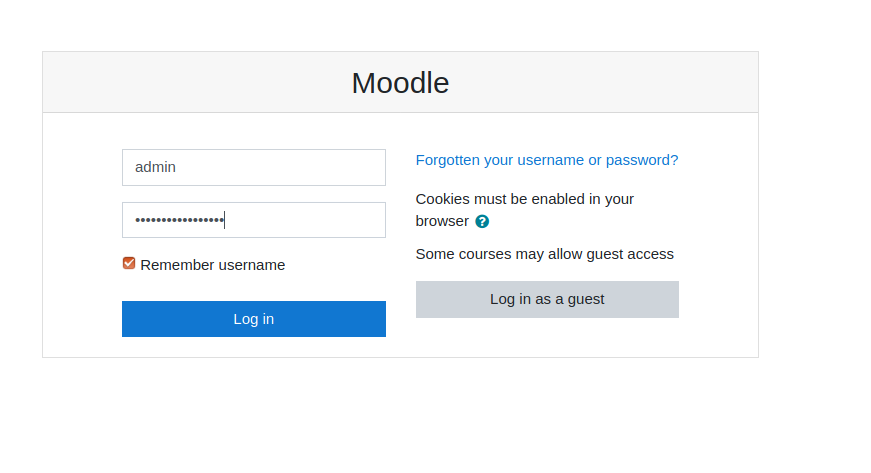
Σελίδα σύνδεσης στο Moodle - Go to “Preferences” > “Site administration”.
- Go to “Plugins” > “Install Plugins”.
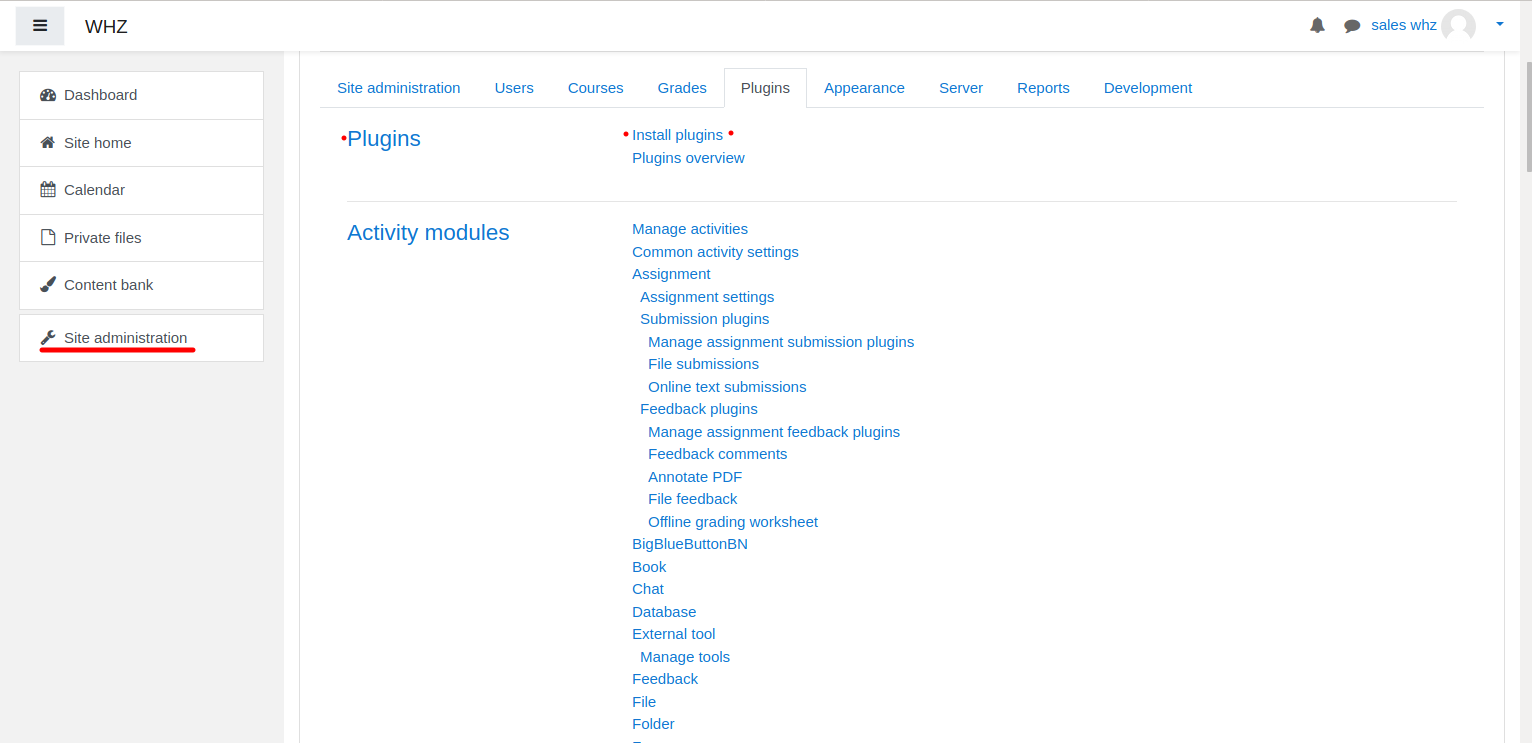
Εγκατάσταση προσθηκών Moodle - Download Πρόσθετο BigBlueButtonBN από τη σελίδα https://moodle.org/plugins/mod_bigbluebuttonbn και εγκαταστήστε το στον ιστότοπό σας στο Moodle.
- Go to “BigBlueButtonBN” plugin settings and replace “BigBlueButton Server URL” and “BigBlueButton Shared Secret” with your own URL and secret. You can get BigBlueButton API info from your Πάροχος φιλοξενίας BigBlueButton. If you manage BigBlueButton server yourself – via “bbb-conf –salt” command.
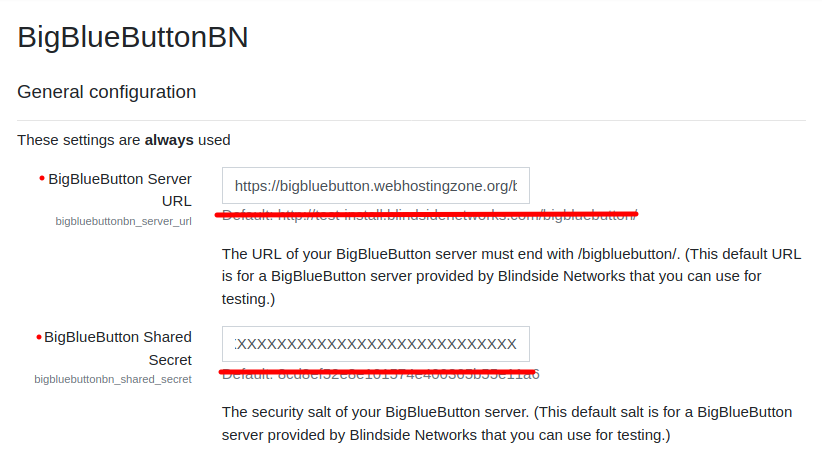
Ρυθμίσεις προσθήκης BigBlueButton στο Moodle - Σε αυτό το σημείο μπορείτε να ξεκινήσετε διασκέψεις BigBlueButton στα μαθήματά σας στο Moodle.
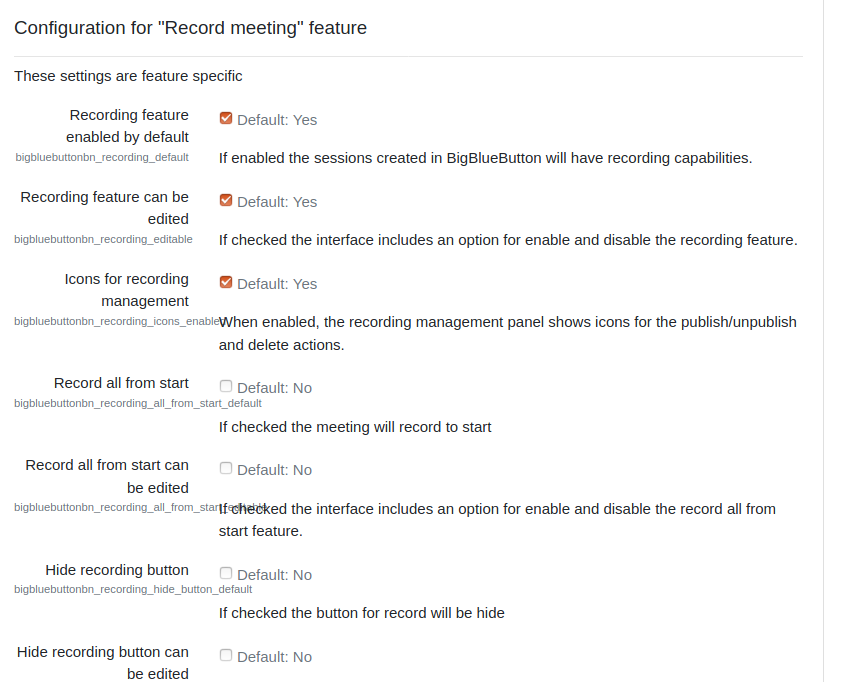
- BigBlueButton plugin for Moodle has many other options to configure. Scroll down through plugin’s settings and enable required features.