
Беспрепятственное сотрудничество: интеграция BigBlueButton с Moodle LMS
BigBlueButton web conferencing system is very popular among organizations that use Moodle learning management system. Integration of Moodle and BigBlueButton allows to run interactive video classes in Moodle. Here is how to complete BigBlueButton Moodle integration:
- Войдите на свой сайт Moodle LMS как администратор.
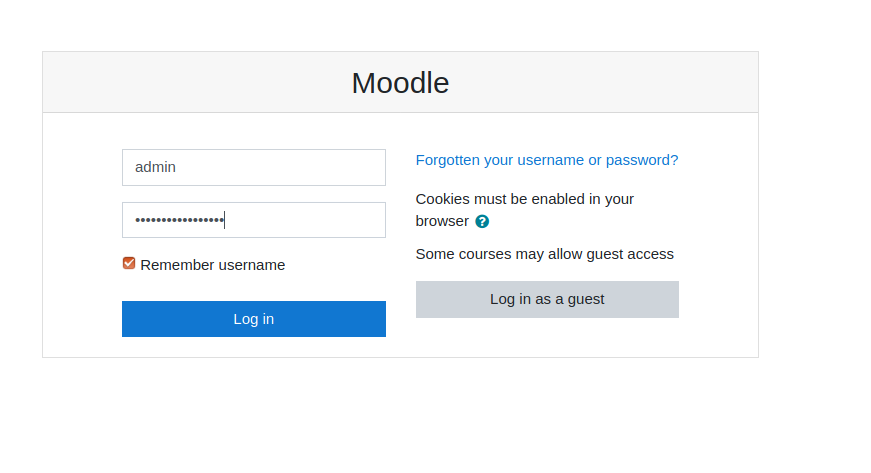
Страница входа в Moodle - Go to “Preferences” > “Site administration”.
- Go to “Plugins” > “Install Plugins”.
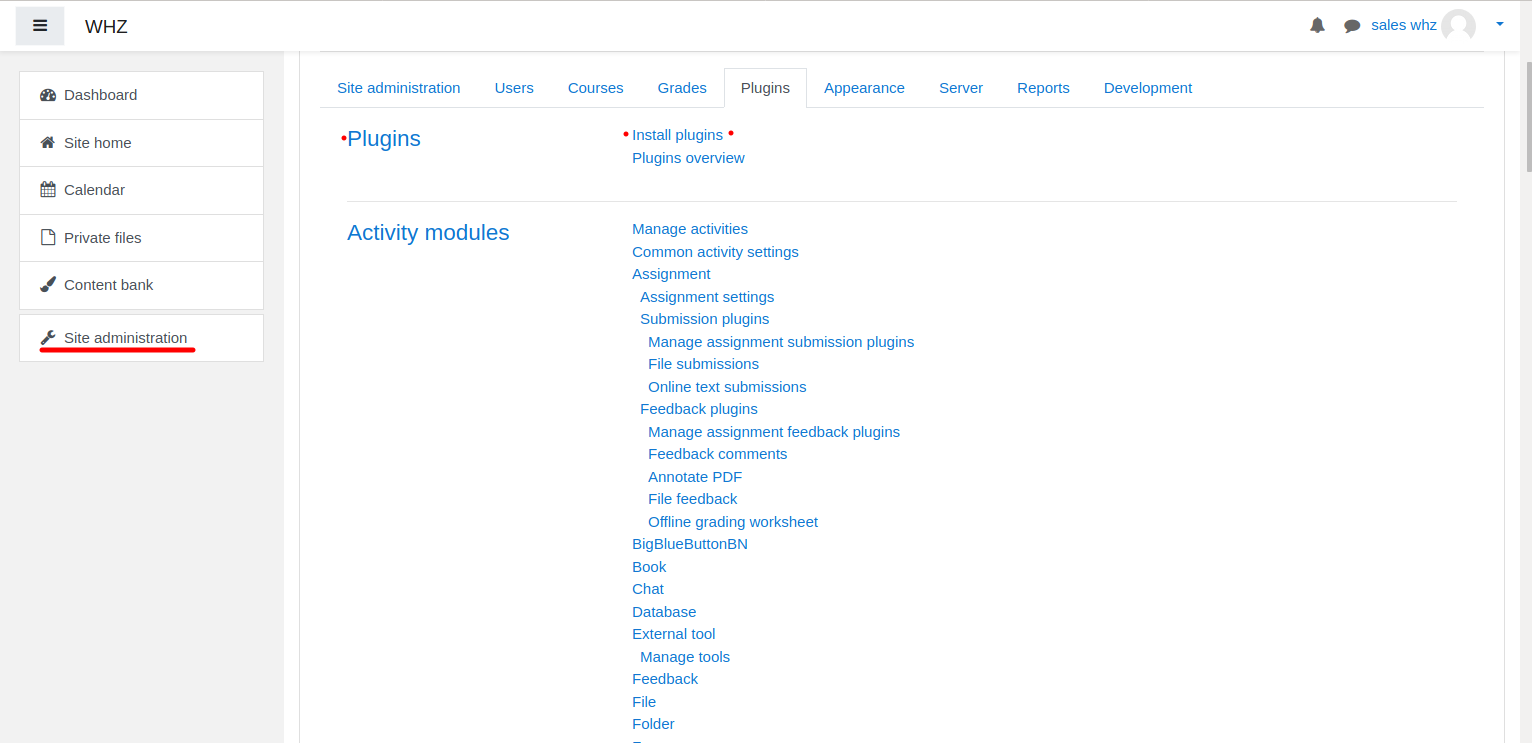
Установка плагина Moodle - Download Плагин BigBlueButtonBN со страницы https://moodle.org/plugins/mod_bigbluebuttonbn и установите его на свой веб-сайт Moodle.
- Go to “BigBlueButtonBN” plugin settings and replace “BigBlueButton Server URL” and “BigBlueButton Shared Secret” with your own URL and secret. You can get BigBlueButton API info from your Хостинг-провайдер BigBlueButton. If you manage BigBlueButton server yourself – via “bbb-conf –salt” command.
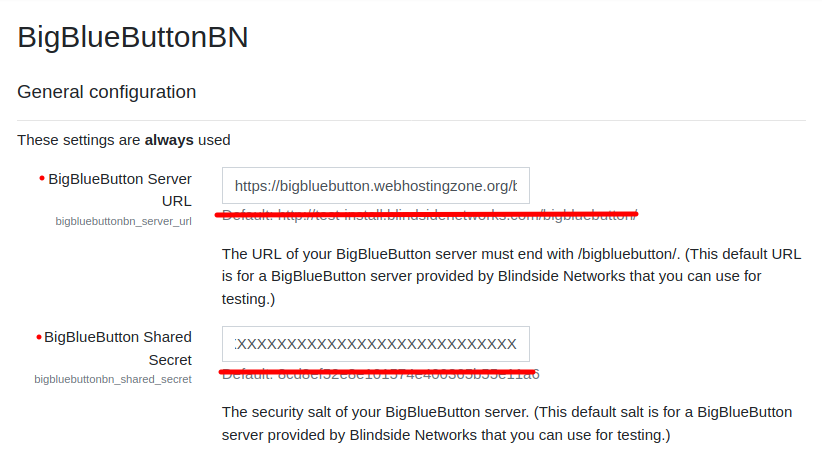
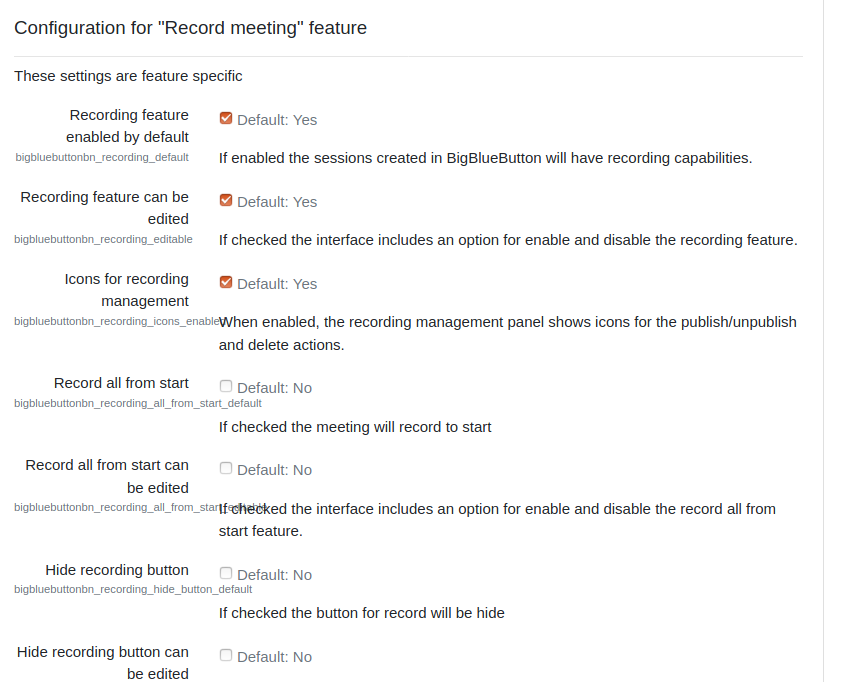
Настройки плагина BigBlueButton в Moodle - На этом этапе вы можете начать конференции BigBlueButton в своих курсах Moodle.
- BigBlueButton plugin for Moodle has many other options to configure. Scroll down through plugin’s settings and enable required features.