
Colaboração perfeita: integração BigBlueButton com Moodle LMS
BigBlueButton web conferencing system is very popular among organizations that use Moodle learning management system. Integration of Moodle and BigBlueButton allows to run interactive video classes in Moodle. Here is how to complete BigBlueButton Moodle integration:
- Faça login no seu site Moodle LMS como administrador.
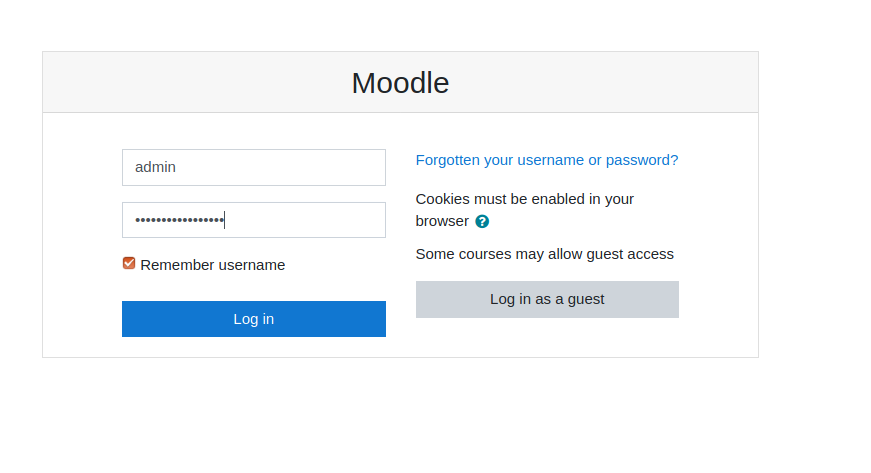
Página de login do Moodle - Go to “Preferences” > “Site administration”.
- Go to “Plugins” > “Install Plugins”.
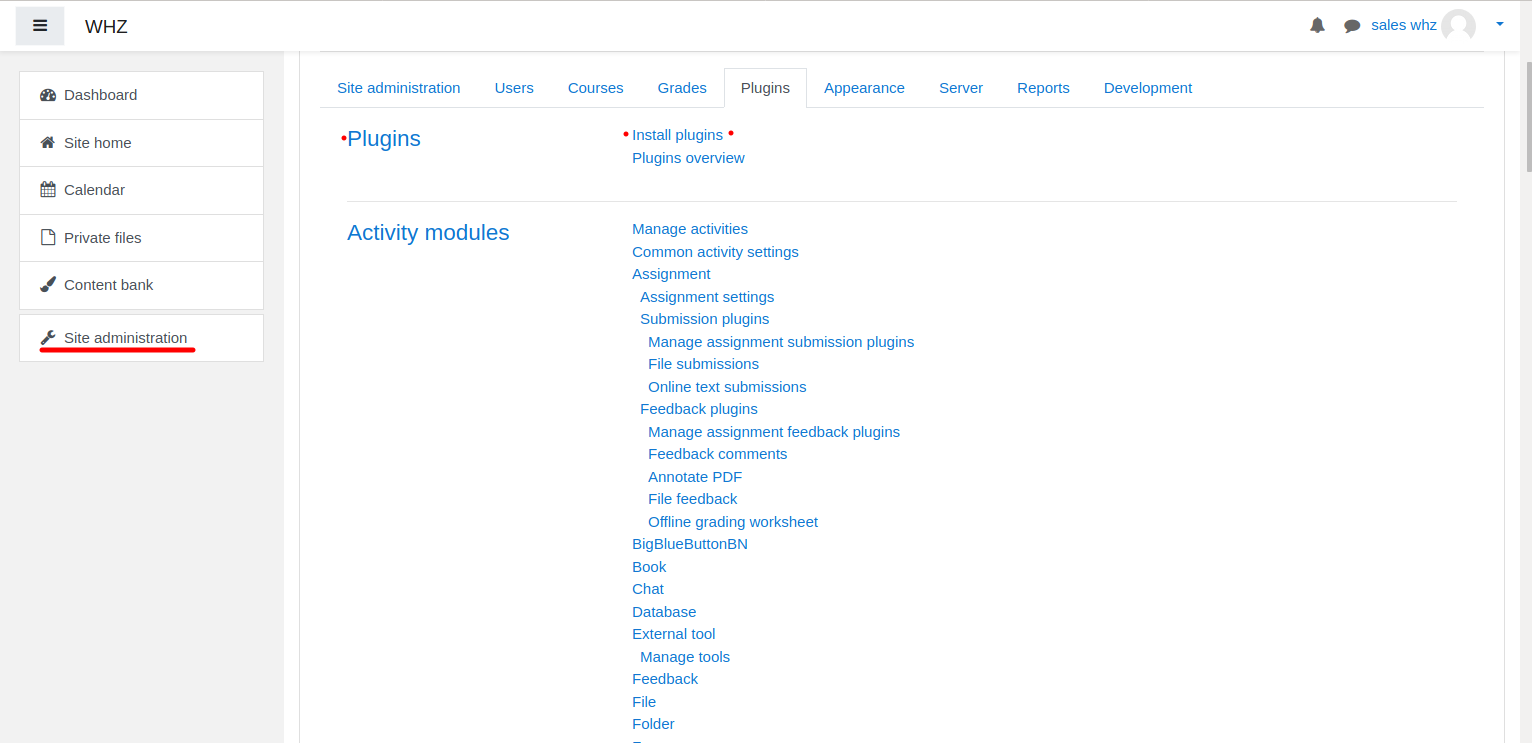
Instalação do plugin Moodle - Download Plug-in BigBlueButtonBN da página https://moodle.org/plugins/mod_bigbluebuttonbn e instale-o no seu site Moodle.
- Go to “BigBlueButtonBN” plugin settings and replace “BigBlueButton Server URL” and “BigBlueButton Shared Secret” with your own URL and secret. You can get BigBlueButton API info from your Provedor de hospedagem BigBlueButton. If you manage BigBlueButton server yourself – via “bbb-conf –salt” command.
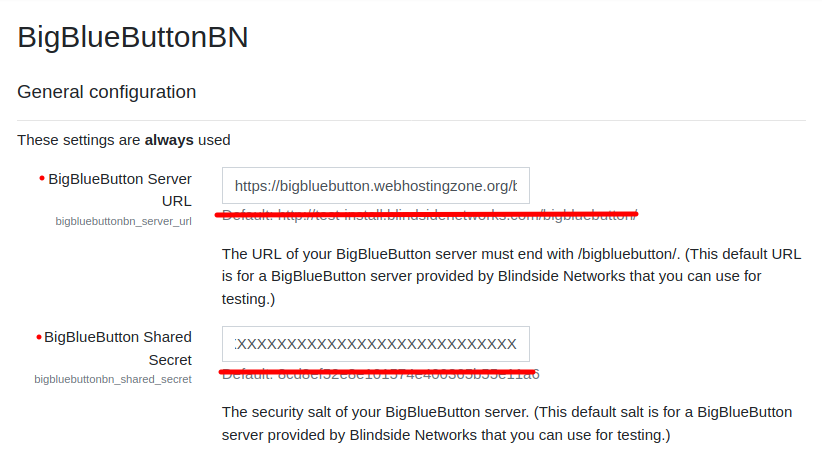
Configurações do plugin BigBlueButton no Moodle - Neste ponto você pode iniciar conferências BigBlueButton em seus cursos Moodle.
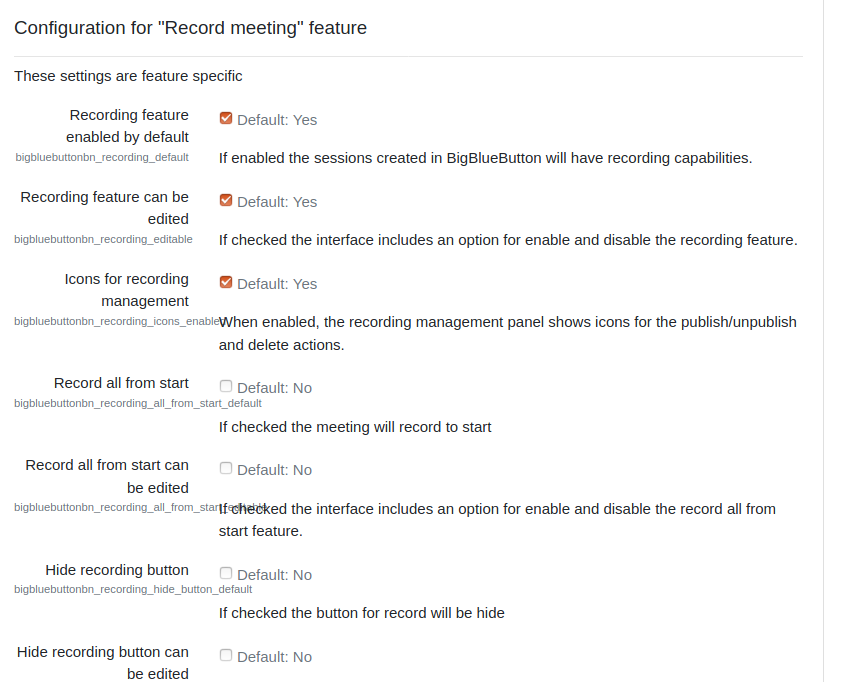
- BigBlueButton plugin for Moodle has many other options to configure. Scroll down through plugin’s settings and enable required features.