
Collaboration transparente : intégration de BigBlueButton avec Moodle LMS
BigBlueButton web conferencing system is very popular among organizations that use Moodle learning management system. Integration of Moodle and BigBlueButton allows to run interactive video classes in Moodle. Here is how to complete BigBlueButton Moodle integration:
- Connectez-vous à votre site Moodle LMS en tant qu'administrateur.
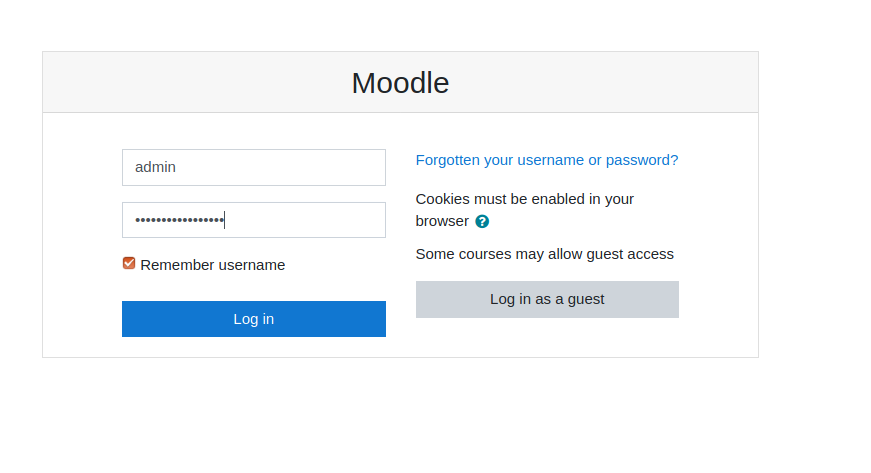
Page de connexion Moodle - Go to “Preferences” > “Site administration”.
- Go to “Plugins” > “Install Plugins”.
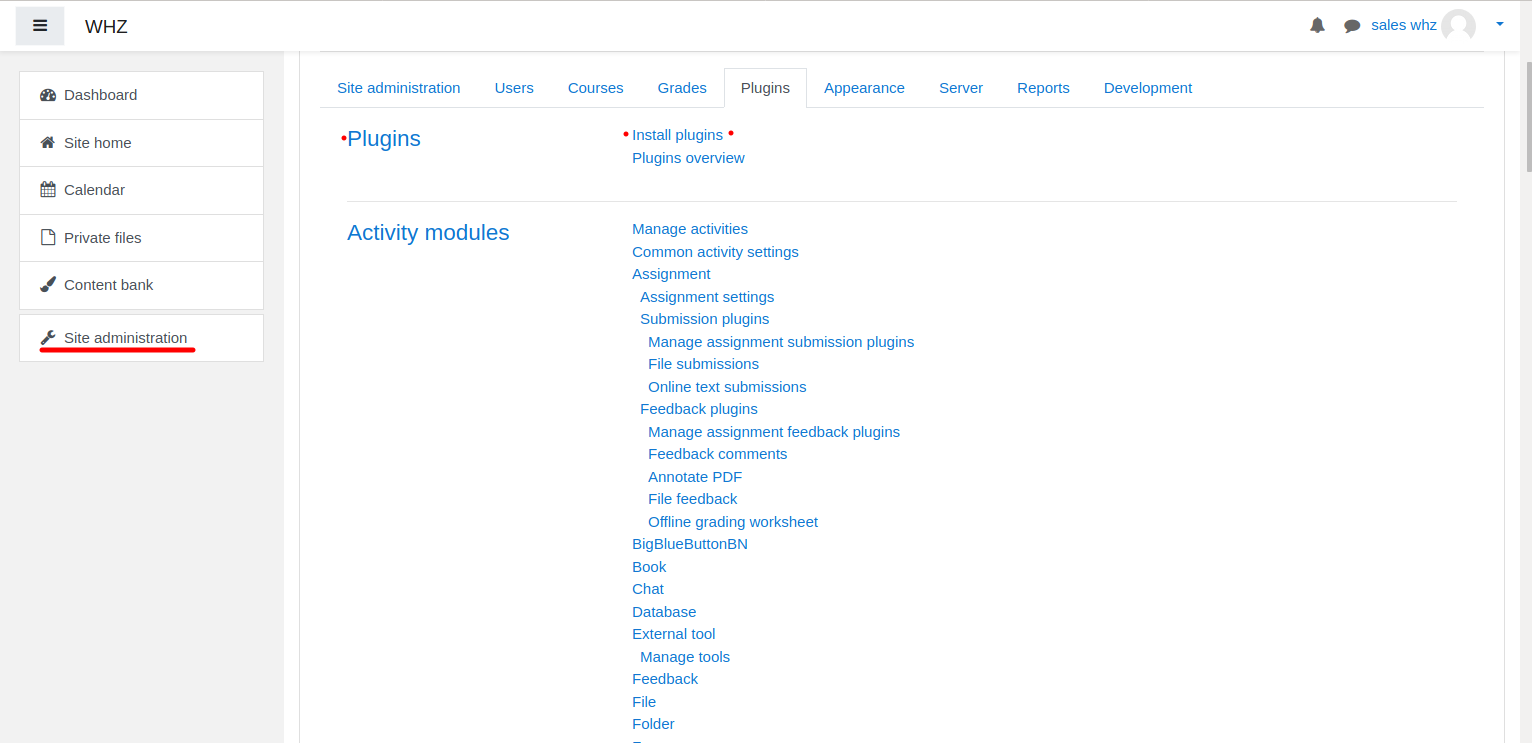
Installation du plugin Moodle - Download Plugin BigBlueButtonBN à partir de la page https://moodle.org/plugins/mod_bigbluebuttonbn et installez-le sur votre site Web Moodle.
- Go to “BigBlueButtonBN” plugin settings and replace “BigBlueButton Server URL” and “BigBlueButton Shared Secret” with your own URL and secret. You can get BigBlueButton API info from your Fournisseur d'hébergement BigBlueButton. If you manage BigBlueButton server yourself – via “bbb-conf –salt” command.
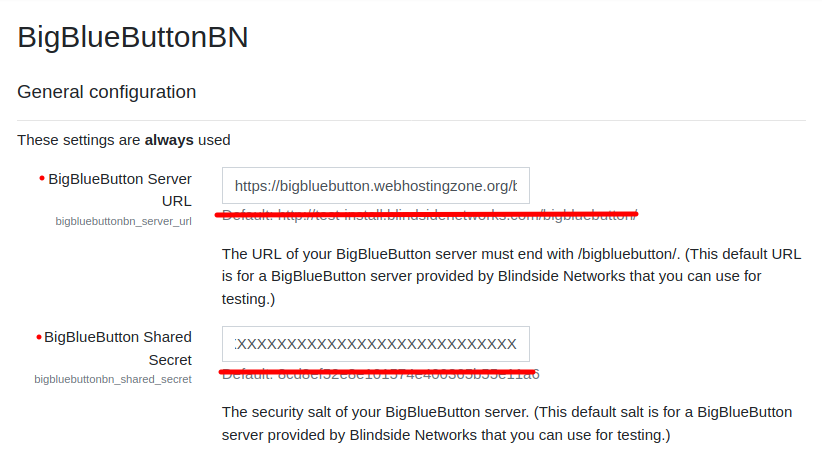
Paramètres du plugin BigBlueButton dans Moodle - À ce stade, vous pouvez démarrer des conférences BigBlueButton dans vos cours Moodle.
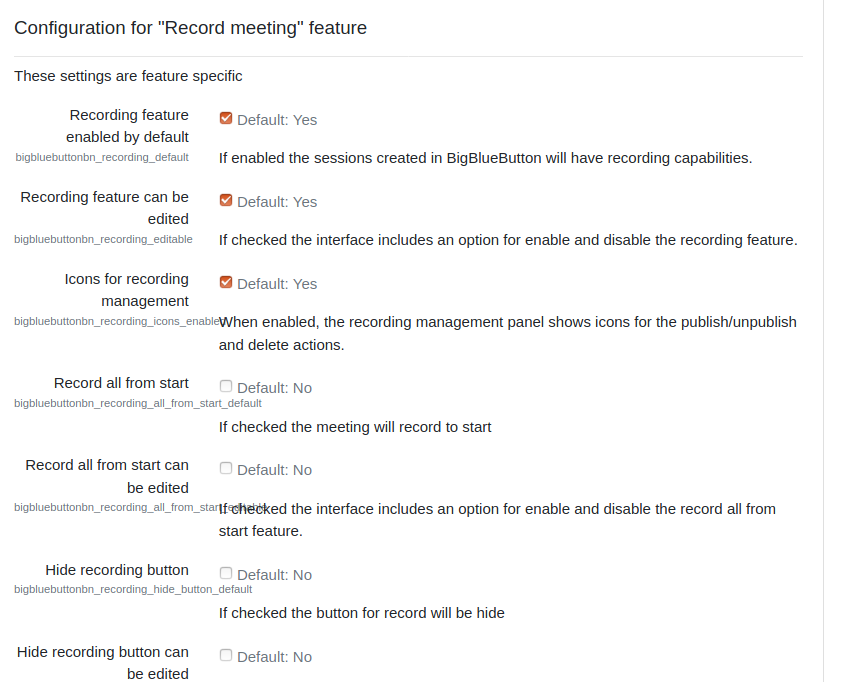
- BigBlueButton plugin for Moodle has many other options to configure. Scroll down through plugin’s settings and enable required features.