
원활한 협업: Moodle LMS와 BigBlueButton 통합
BigBlueButton web conferencing system is very popular among organizations that use Moodle learning management system. Integration of Moodle and BigBlueButton allows to run interactive video classes in Moodle. Here is how to complete BigBlueButton Moodle integration:
- Moodle LMS 사이트에 관리자로 로그인하세요.
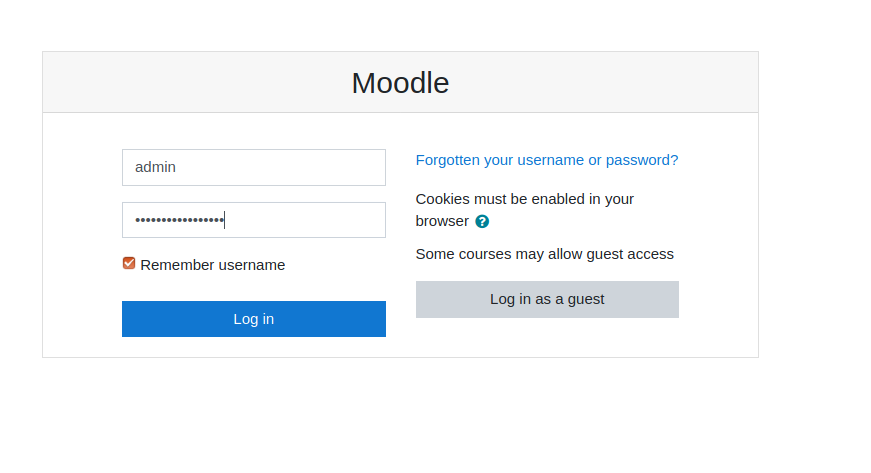
무들 로그인 페이지 - Go to “Preferences” > “Site administration”.
- Go to “Plugins” > “Install Plugins”.
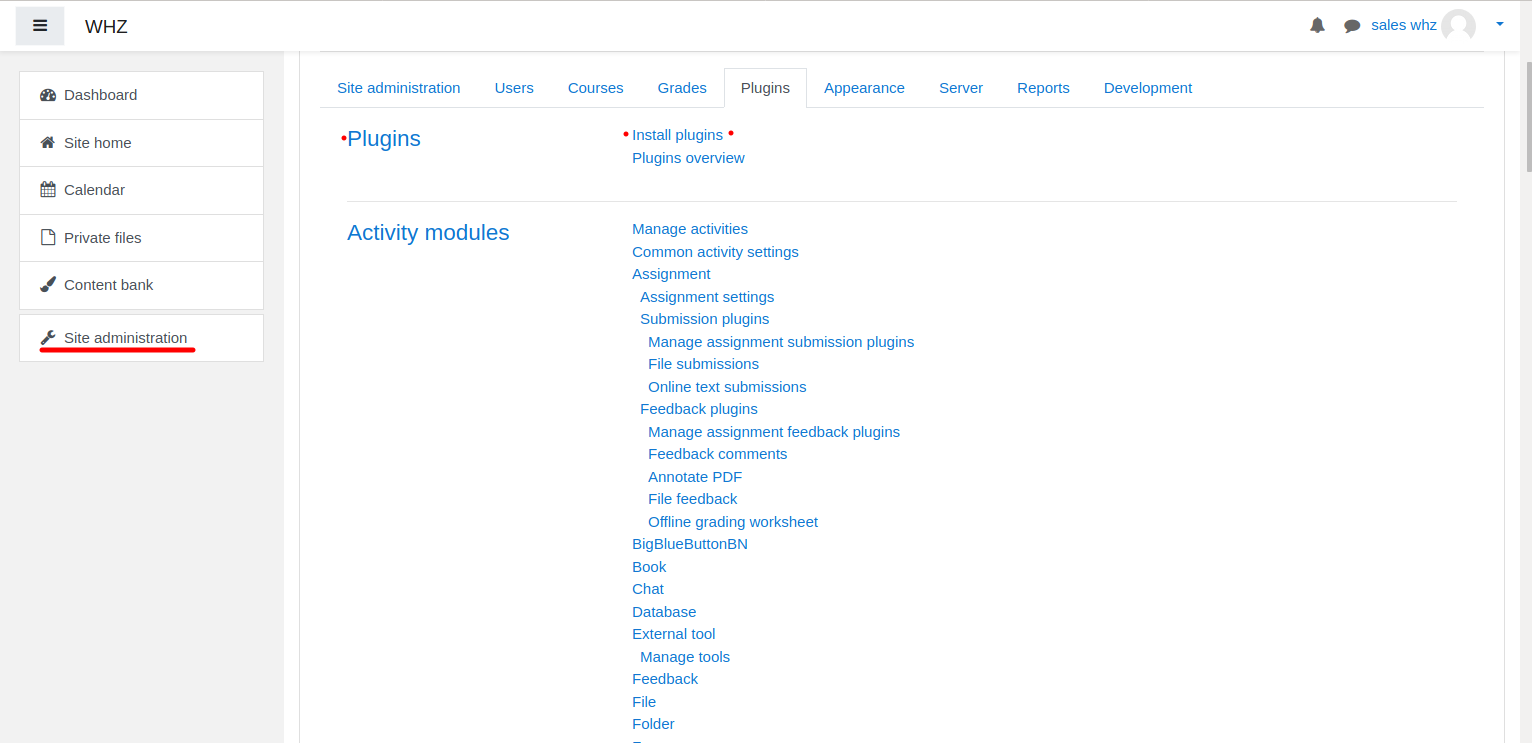
무들 플러그인 설치 - Download BigBlueButtonBN 플러그인 페이지에서 https://moodle.org/plugins/mod_bigbluebuttonbn Moodle 웹사이트에 설치하세요.
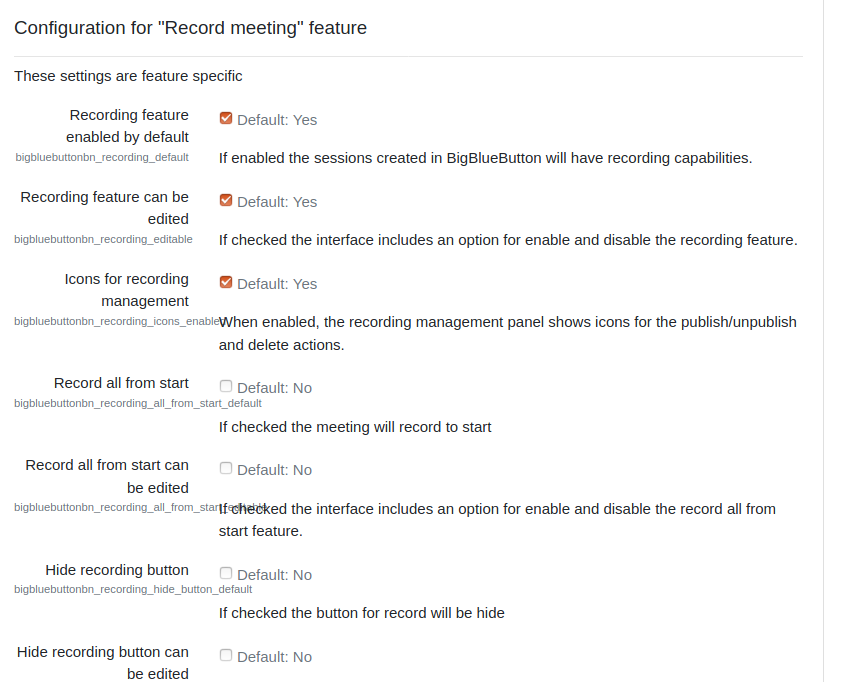
- Go to “BigBlueButtonBN” plugin settings and replace “BigBlueButton Server URL” and “BigBlueButton Shared Secret” with your own URL and secret. You can get BigBlueButton API info from your BigBlueButton 호스팅 제공업체. If you manage BigBlueButton server yourself – via “bbb-conf –salt” command.
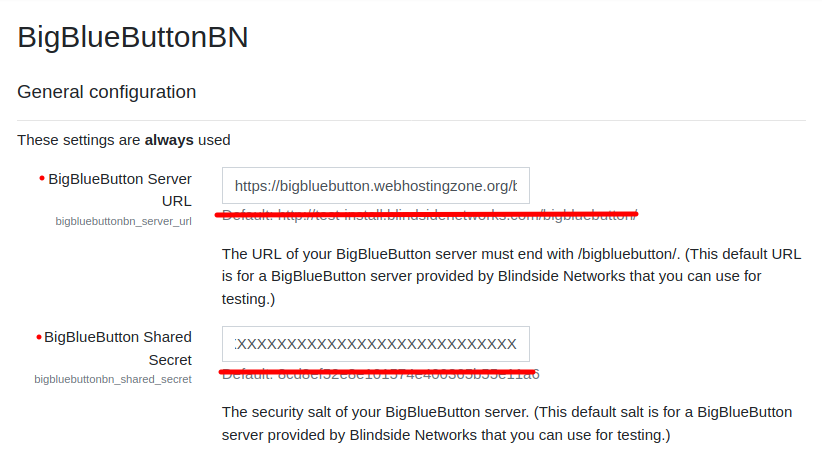
Moodle의 BigBlueButton 플러그인 설정 - 이 시점에서 Moodle 코스에서 BigBlueButton 컨퍼런스를 시작할 수 있습니다.
- BigBlueButton plugin for Moodle has many other options to configure. Scroll down through plugin’s settings and enable required features.