
Sømløst samarbeid: BigBlueButton-integrasjon med Moodle LMS
BigBlueButton web conferencing system is very popular among organizations that use Moodle learning management system. Integration of Moodle and BigBlueButton allows to run interactive video classes in Moodle. Here is how to complete BigBlueButton Moodle integration:
- Logg inn på din Moodle LMS-side som administrator.
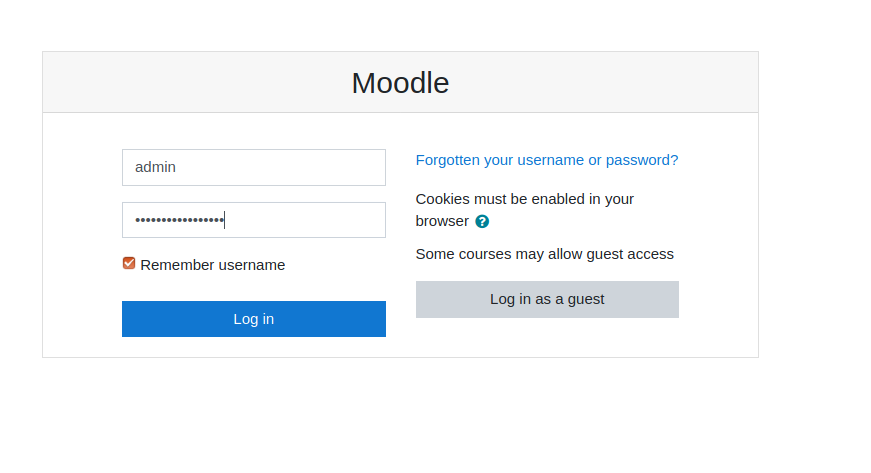
Moodle påloggingsside - Go to “Preferences” > “Site administration”.
- Go to “Plugins” > “Install Plugins”.
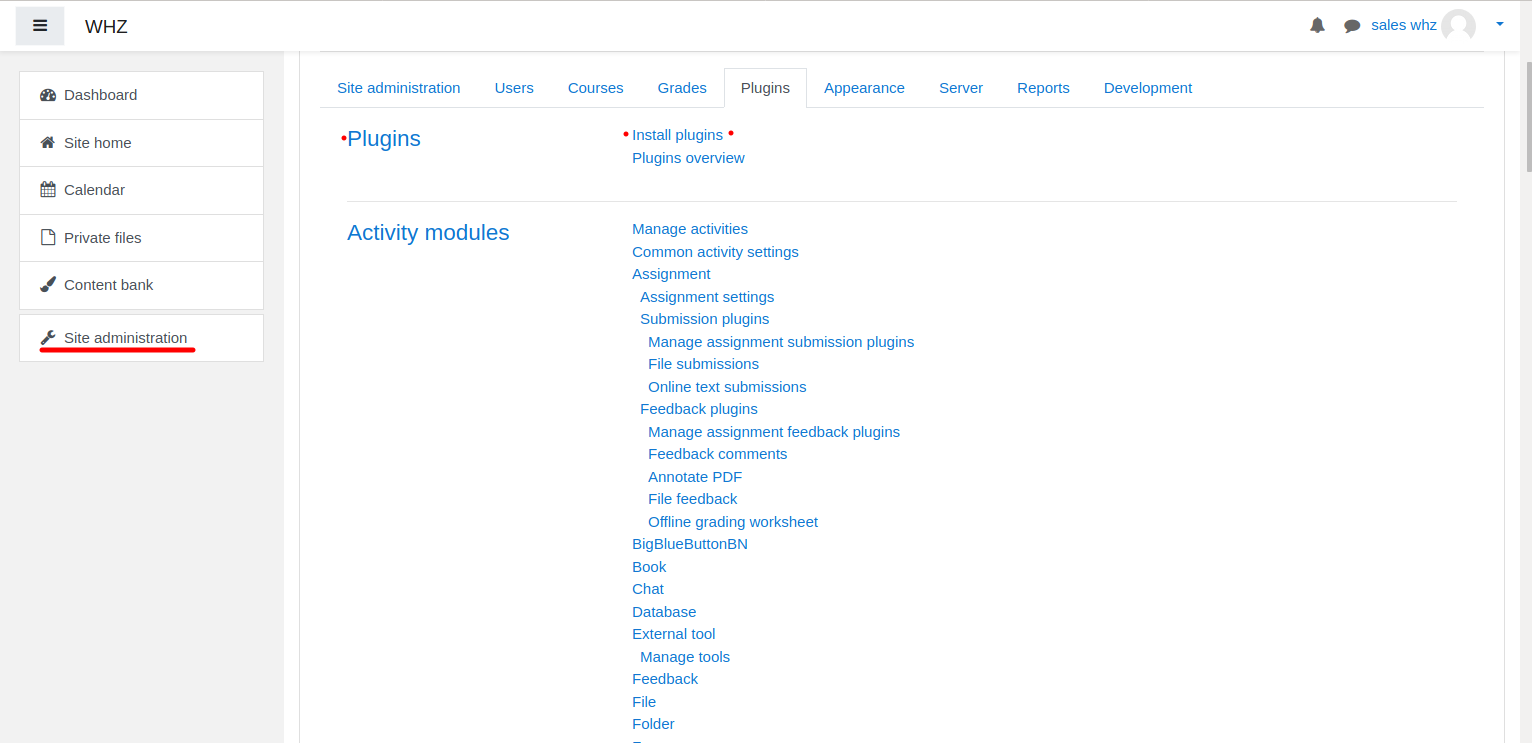
Installasjon av Moodle-plugin - Download BigBlueButtonBN-plugin fra siden https://moodle.org/plugins/mod_bigbluebuttonbn og installer den på Moodle-nettstedet ditt.
- Go to “BigBlueButtonBN” plugin settings and replace “BigBlueButton Server URL” and “BigBlueButton Shared Secret” with your own URL and secret. You can get BigBlueButton API info from your BigBlueButton-vertsleverandør. If you manage BigBlueButton server yourself – via “bbb-conf –salt” command.
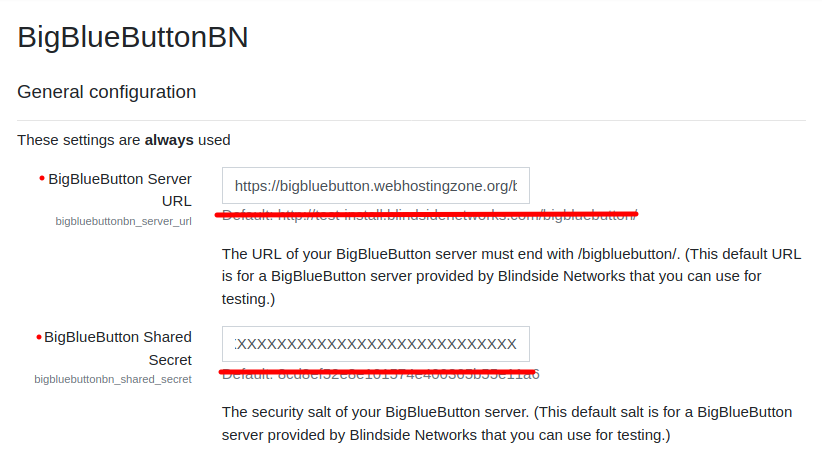
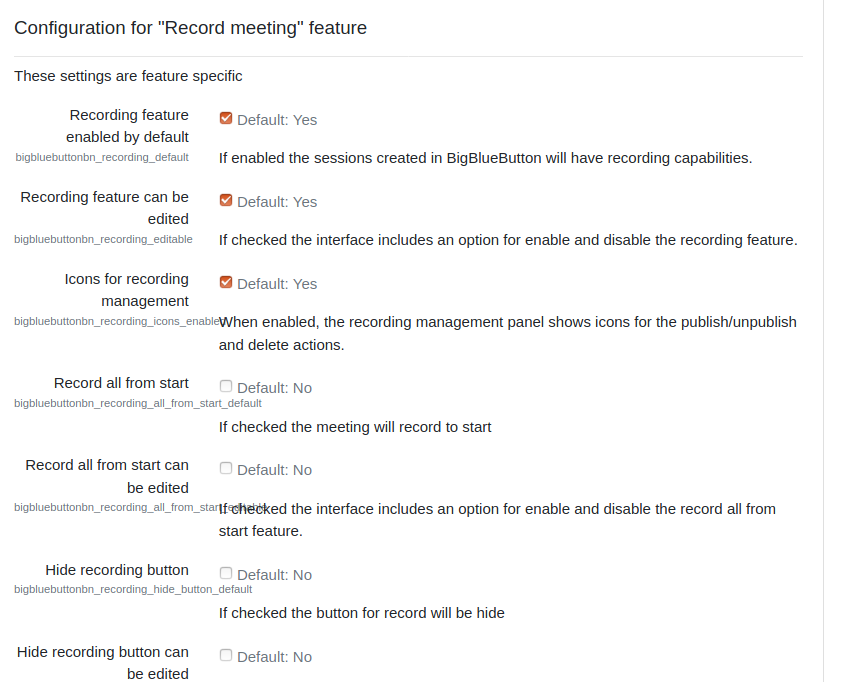
Innstillinger for BigBlueButton-plugin i Moodle - På dette tidspunktet kan du starte BigBlueButton-konferanser i Moodle-kursene dine.
- BigBlueButton plugin for Moodle has many other options to configure. Scroll down through plugin’s settings and enable required features.