
Cộng tác liền mạch: Tích hợp BigBlueButton với Moodle LMS
BigBlueButton web conferencing system is very popular among organizations that use Moodle learning management system. Integration of Moodle and BigBlueButton allows to run interactive video classes in Moodle. Here is how to complete BigBlueButton Moodle integration:
- Đăng nhập vào trang Moodle LMS của bạn với tư cách quản trị viên.
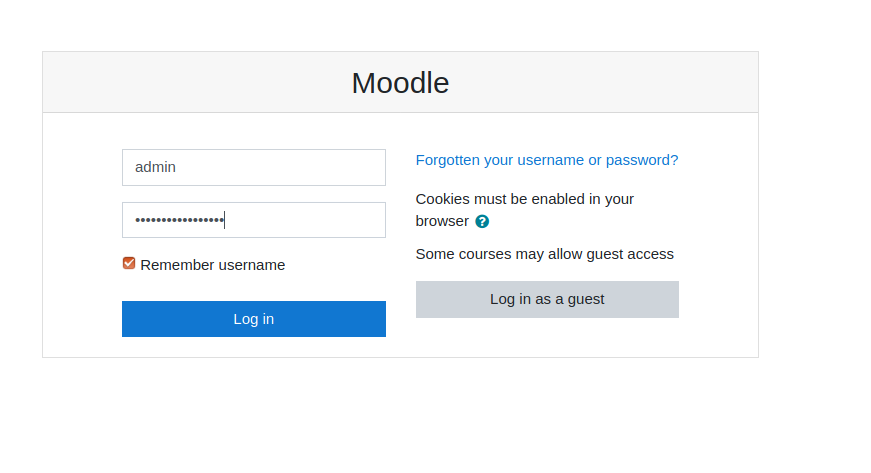
Trang đăng nhập Moodle - Go to “Preferences” > “Site administration”.
- Go to “Plugins” > “Install Plugins”.
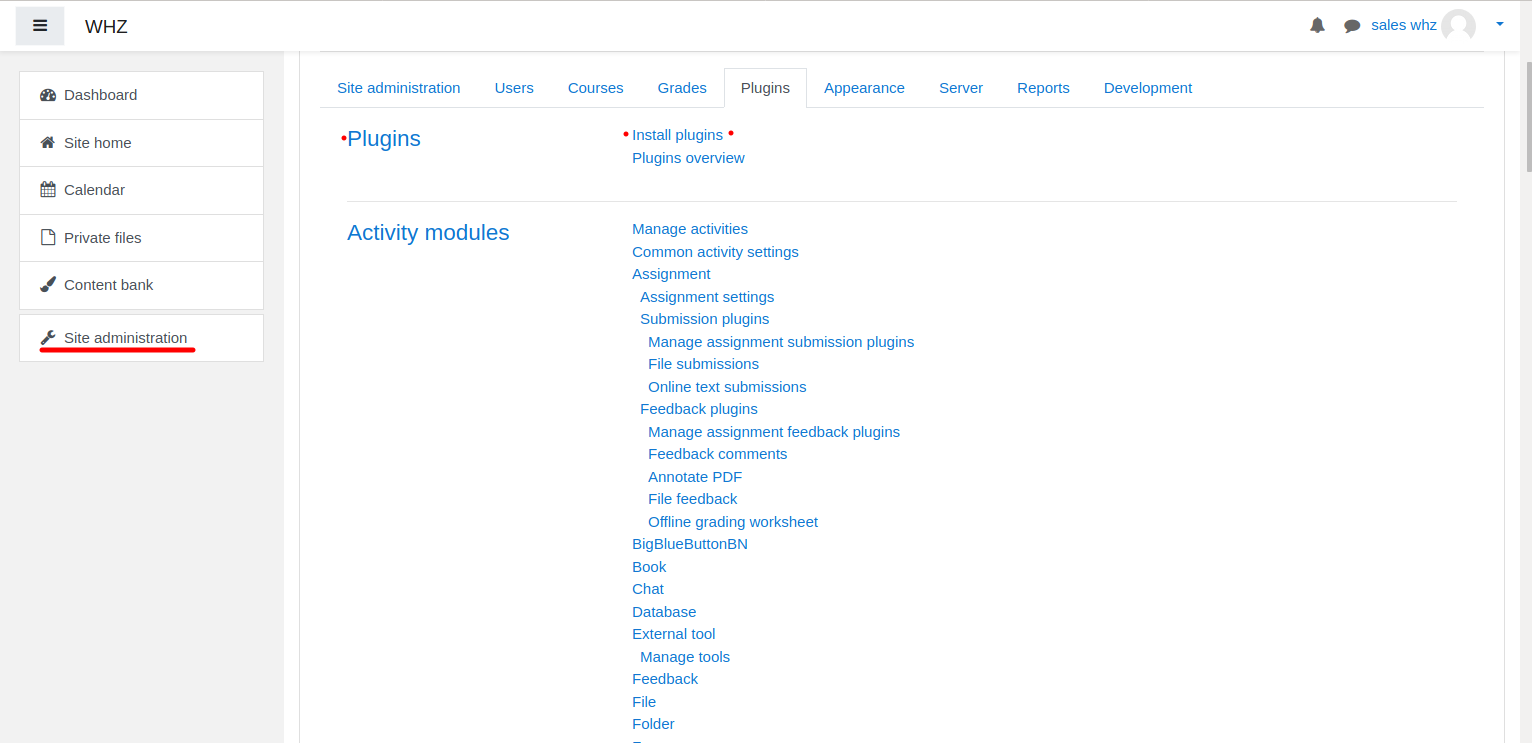
Cài đặt plugin Moodle - Download Plugin BigBlueButtonBN từ trang https://moodle.org/plugins/mod_bigbluebuttonbn và cài đặt nó trên trang web Moodle của bạn.
- Go to “BigBlueButtonBN” plugin settings and replace “BigBlueButton Server URL” and “BigBlueButton Shared Secret” with your own URL and secret. You can get BigBlueButton API info from your Nhà cung cấp dịch vụ lưu trữ BigBlueButton. If you manage BigBlueButton server yourself – via “bbb-conf –salt” command.
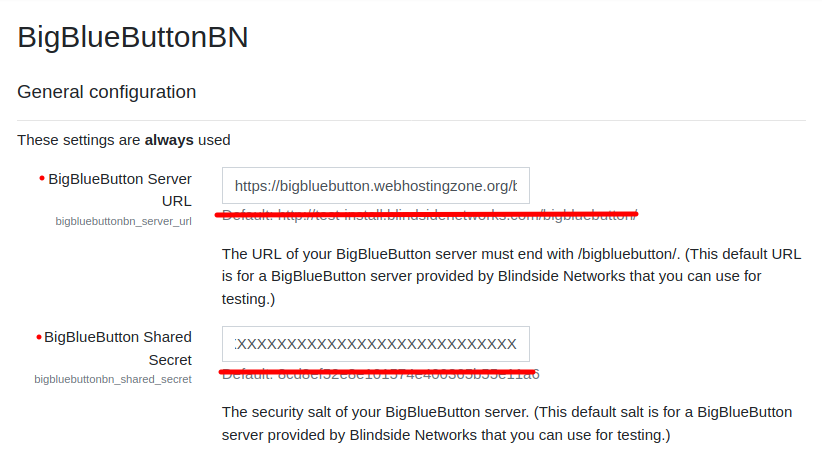
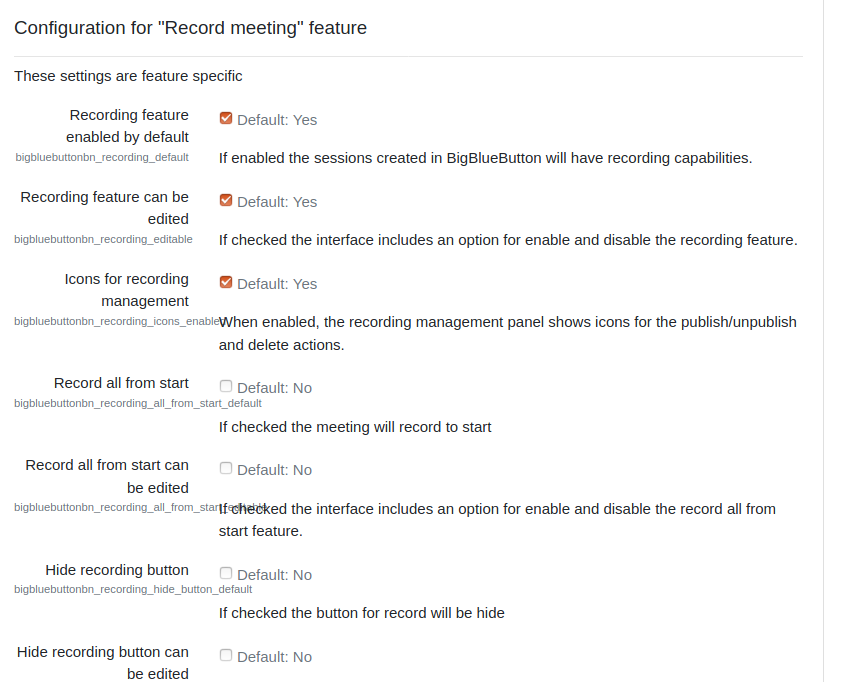
Cài đặt plugin BigBlueButton trong Moodle - Tại thời điểm này, bạn có thể bắt đầu các hội nghị BigBlueButton trong các khóa học Moodle của mình.
- BigBlueButton plugin for Moodle has many other options to configure. Scroll down through plugin’s settings and enable required features.