
Sujuv koostöö: BigBlueButtoni integratsioon Moodle LMS-iga
BigBlueButton web conferencing system is very popular among organizations that use Moodle learning management system. Integration of Moodle and BigBlueButton allows to run interactive video classes in Moodle. Here is how to complete BigBlueButton Moodle integration:
- Logige oma Moodle LMS-i saidile administraatorina sisse.
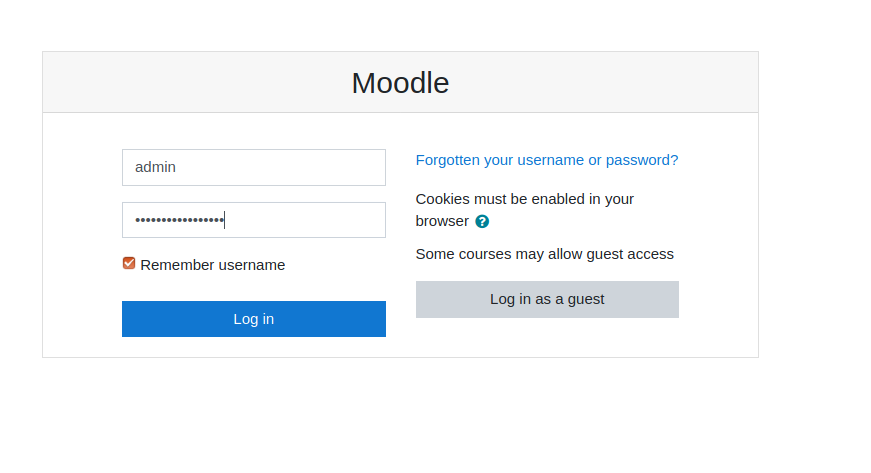
Moodle'i sisselogimisleht - Go to “Preferences” > “Site administration”.
- Go to “Plugins” > “Install Plugins”.
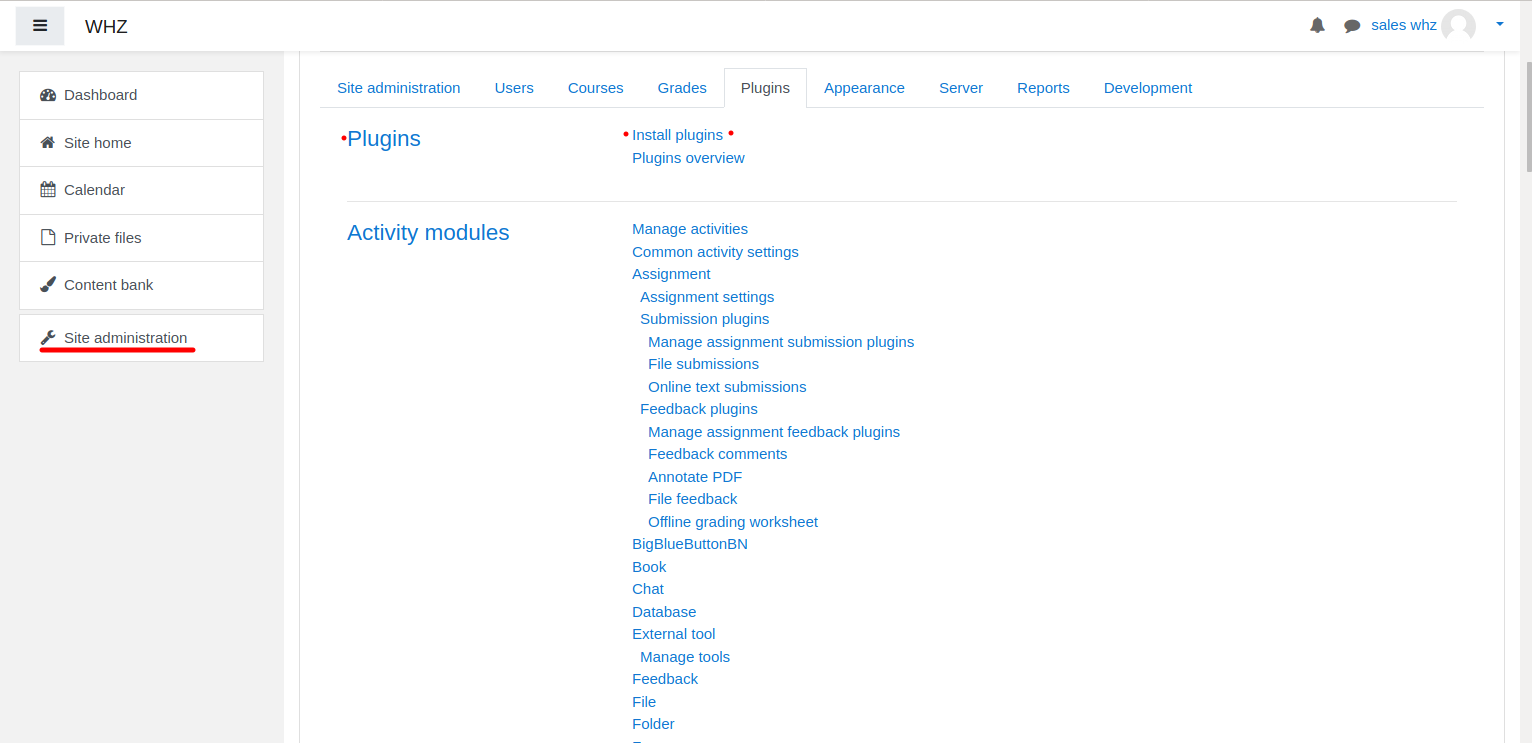
Moodle'i pistikprogrammi installimine - Download BigBlueButtonBN pistikprogramm lehelt https://moodle.org/plugins/mod_bigbluebuttonbn ja installige see oma Moodle'i veebisaidile.
- Go to “BigBlueButtonBN” plugin settings and replace “BigBlueButton Server URL” and “BigBlueButton Shared Secret” with your own URL and secret. You can get BigBlueButton API info from your BigBlueButtoni hostiteenuse pakkuja. If you manage BigBlueButton server yourself – via “bbb-conf –salt” command.
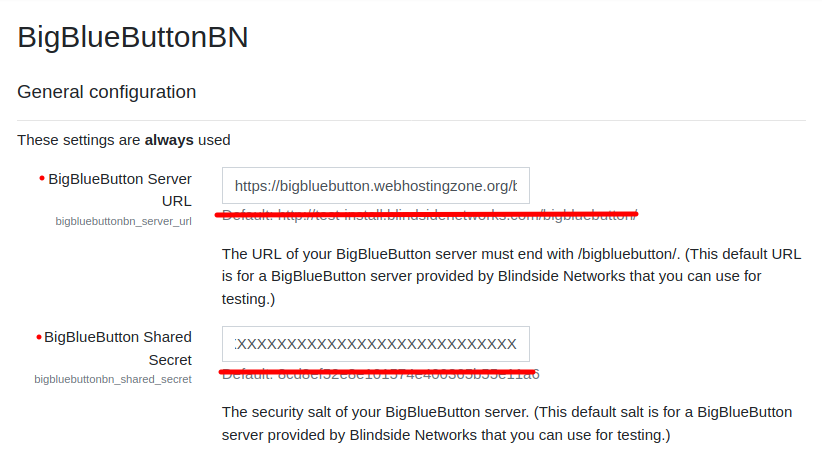
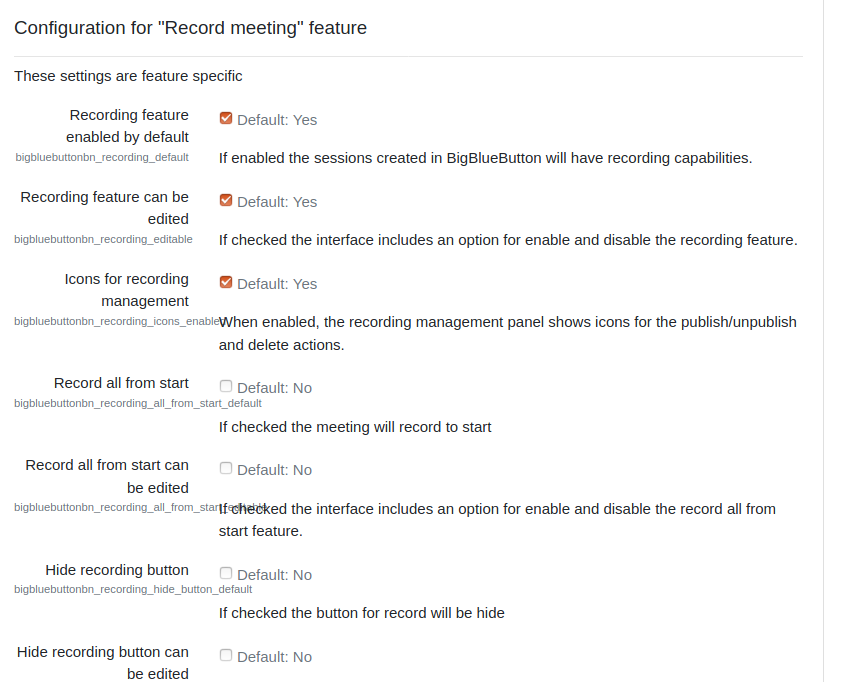
BigBlueButtoni pistikprogrammi seaded Moodle'is - Siinkohal saate alustada BigBlueButtoni konverentse oma Moodle'i kursustel.
- BigBlueButton plugin for Moodle has many other options to configure. Scroll down through plugin’s settings and enable required features.