
シームレスなコラボレーション: BigBlueButton と Moodle LMS の統合
BigBlueButton web conferencing system is very popular among organizations that use Moodle learning management system. Integration of Moodle and BigBlueButton allows to run interactive video classes in Moodle. Here is how to complete BigBlueButton Moodle integration:
- Moodle LMS サイトに管理者としてログインします。
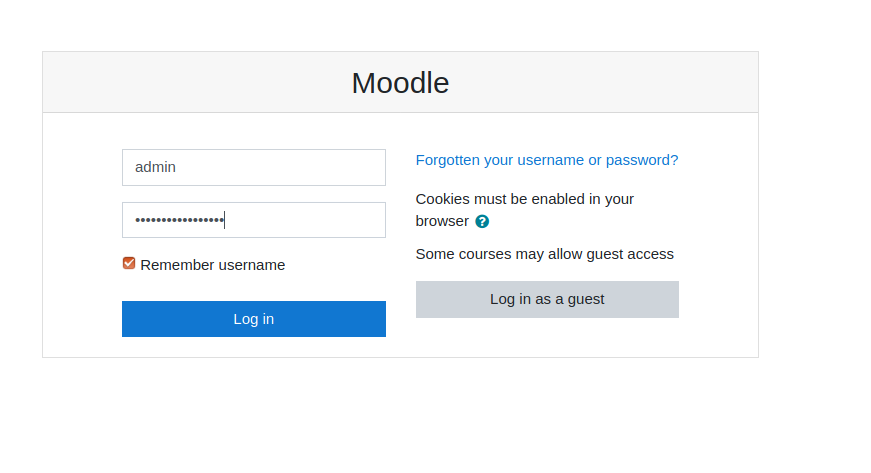
Moodle ログインページ - Go to “Preferences” > “Site administration”.
- Go to “Plugins” > “Install Plugins”.
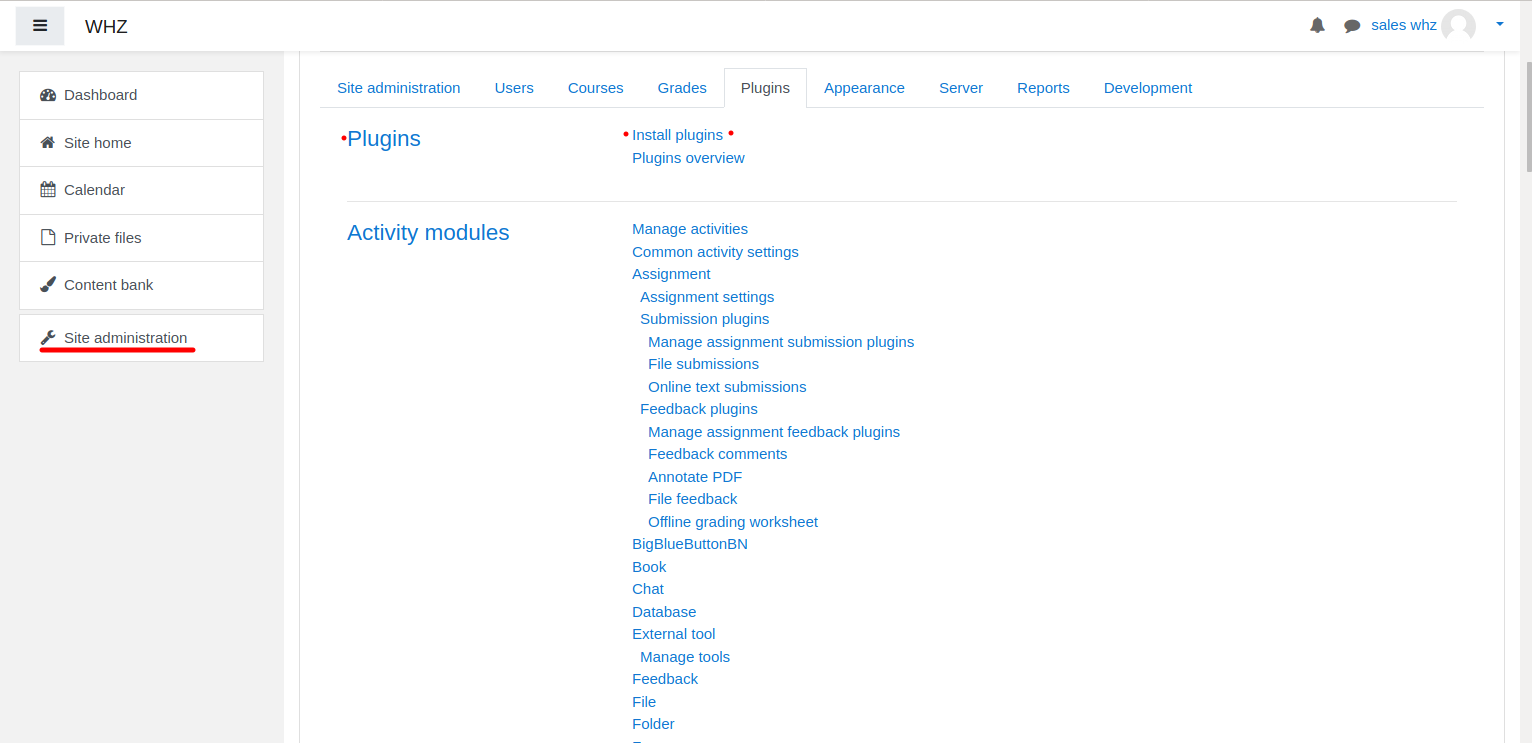
Moodleプラグインのインストール - Download BigBlueButtonBN プラグイン ページから https://moodle.org/plugins/mod_bigbluebuttonbn それを Moodle Web サイトにインストールします。
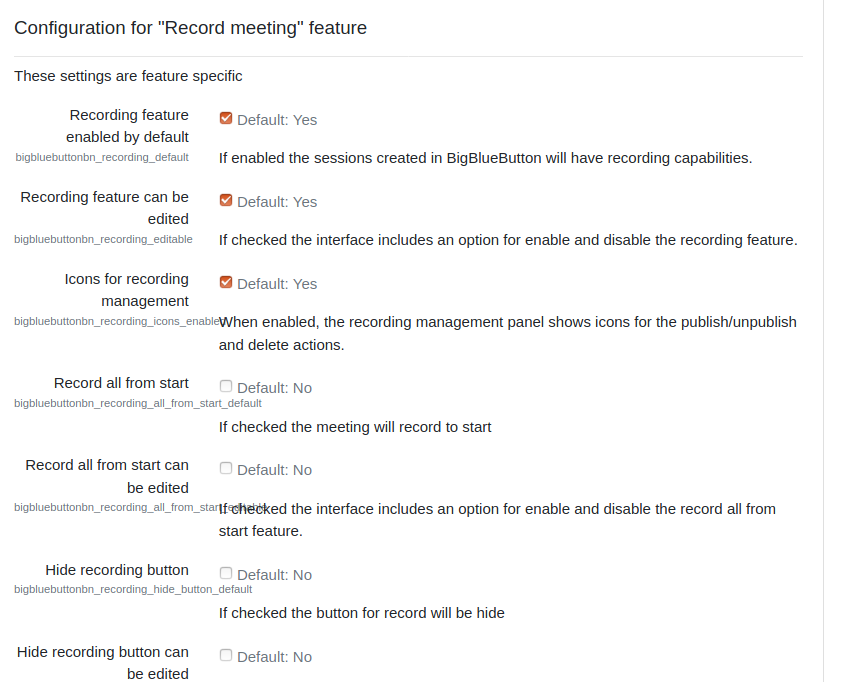
- Go to “BigBlueButtonBN” plugin settings and replace “BigBlueButton Server URL” and “BigBlueButton Shared Secret” with your own URL and secret. You can get BigBlueButton API info from your BigBlueButton ホスティングプロバイダー. If you manage BigBlueButton server yourself – via “bbb-conf –salt” command.
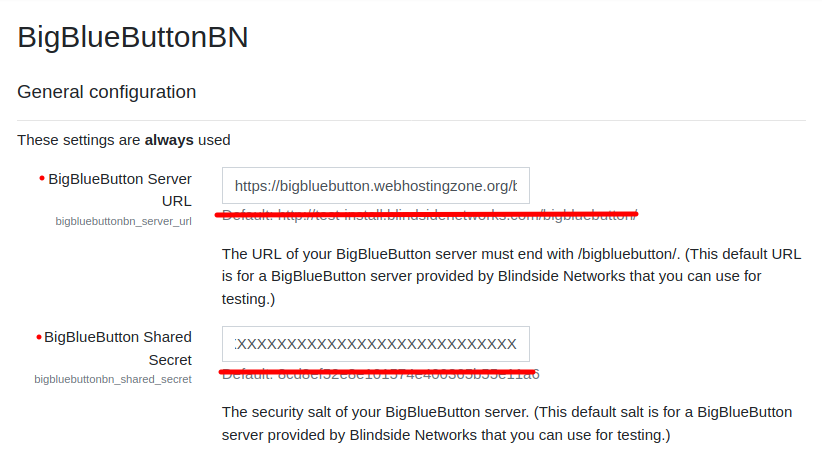
Moodle での BigBlueButton プラグイン設定 - この時点で、Moodle コースで BigBlueButton カンファレンスを開始できます。
- BigBlueButton plugin for Moodle has many other options to configure. Scroll down through plugin’s settings and enable required features.