
Nevainojama sadarbība: BigBlueButton integrācija ar Moodle LMS
BigBlueButton web conferencing system is very popular among organizations that use Moodle learning management system. Integration of Moodle and BigBlueButton allows to run interactive video classes in Moodle. Here is how to complete BigBlueButton Moodle integration:
- Piesakieties savā Moodle LMS vietnē kā administrators.
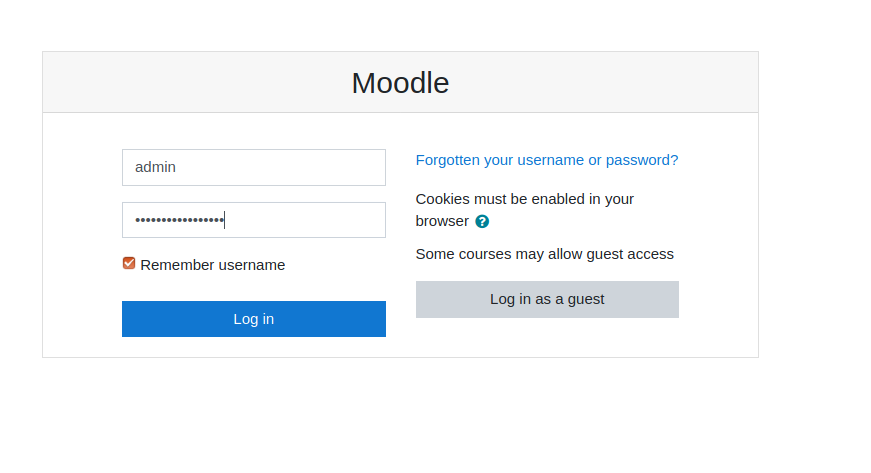
Moodle pieteikšanās lapa - Go to “Preferences” > “Site administration”.
- Go to “Plugins” > “Install Plugins”.
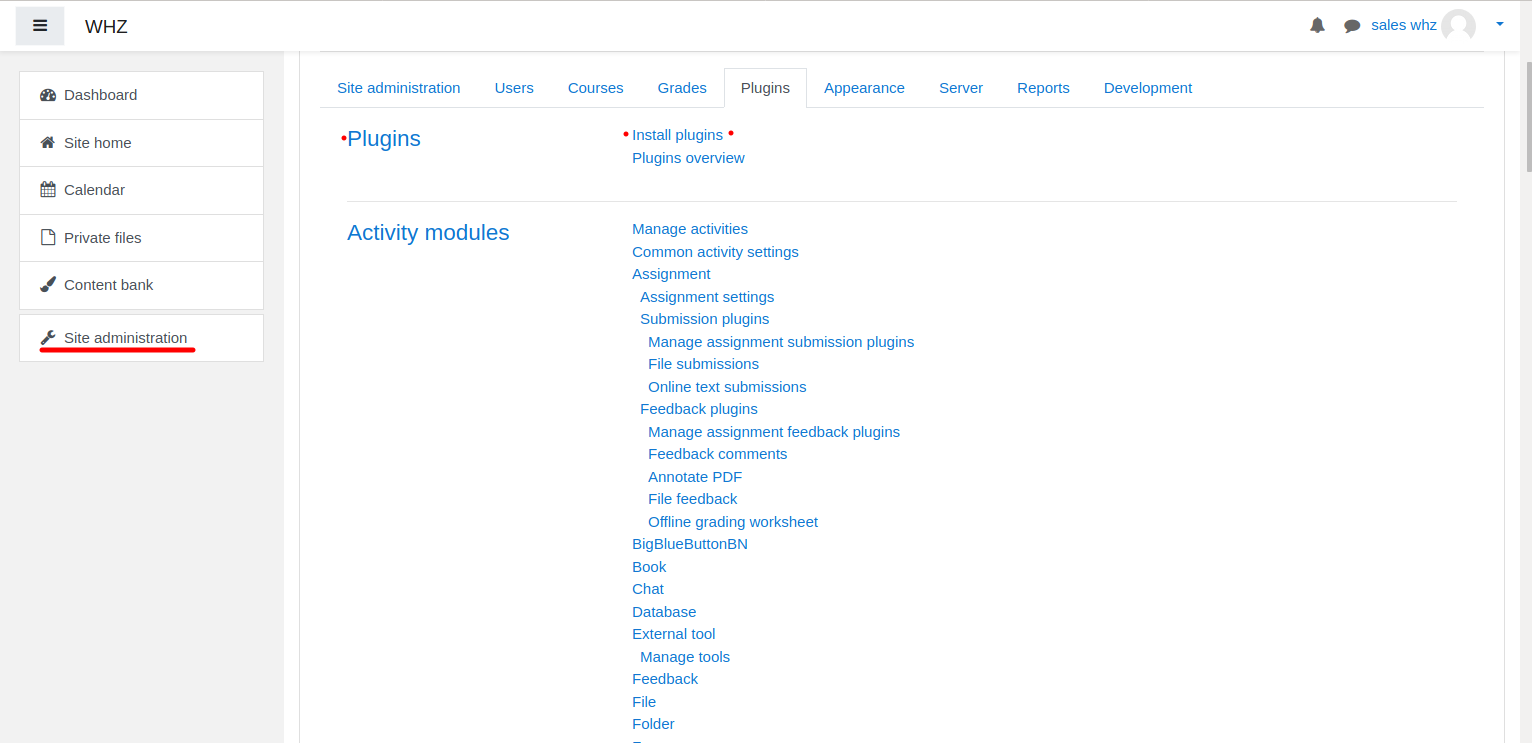
Moodle spraudņa uzstādīšana - Download BigBlueButtonBN spraudnis no lapas https://moodle.org/plugins/mod_bigbluebuttonbn un instalējiet to savā Moodle vietnē.
- Go to “BigBlueButtonBN” plugin settings and replace “BigBlueButton Server URL” and “BigBlueButton Shared Secret” with your own URL and secret. You can get BigBlueButton API info from your BigBlueButton mitināšanas pakalpojumu sniedzējs. If you manage BigBlueButton server yourself – via “bbb-conf –salt” command.
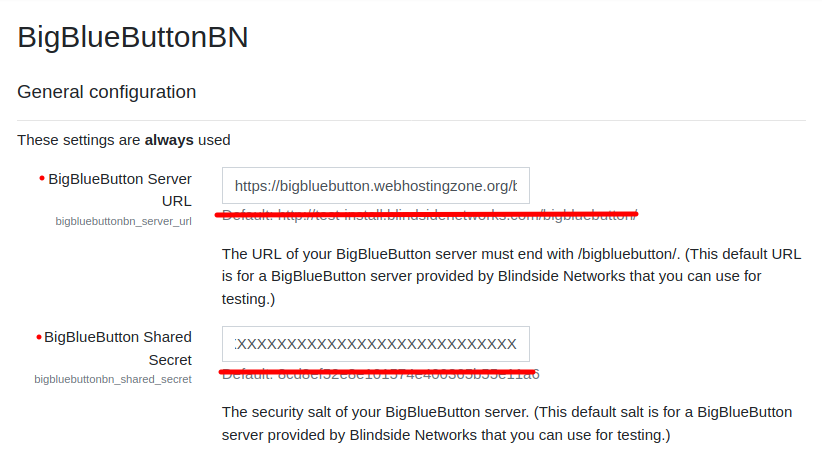
BigBlueButton spraudņa iestatījumi programmā Moodle - Šajā brīdī varat sākt BigBlueButton konferences savos Moodle kursos.
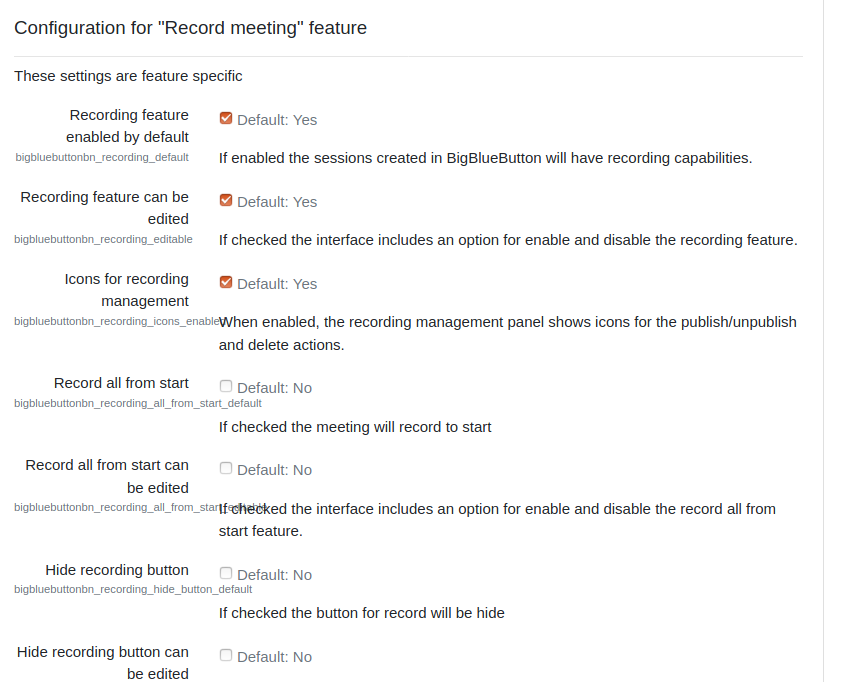
- BigBlueButton plugin for Moodle has many other options to configure. Scroll down through plugin’s settings and enable required features.