
How would you feel if you had to memorize a long string of numbers like “192.158.1.38” to visit a website? You’ll probably never want to use the internet again. The same goes for your customers. 그러나 다행스럽게도 Paul Mokapetris는 거대한 IP 주소로부터 인류를 구출하고 도메인 이름을 만들었습니다.
웹사이트를 인터넷에 게시할 때 먼저 이름을 선택하는 작업에 직면하게 됩니다. Just because it’s not a number doesn’t mean customers will be able to remember it.
귀하의 브랜드와도 잘 어울리는 기억에 남는 이름을 선택해야 합니다. 하지만 어떻게? 그것이 궁금하다면, 이 글이 당신의 든든한 동반자가 될 것입니다. 도메인 이름과 등록 기관의 기본 사항을 소개합니다. 또한 하나를 선택하고 구입하는 방법도 배우게 됩니다.

도메인 이름이란 무엇입니까: 기본 사항 살펴보기
도메인 이름은 웹사이트를 식별하는 고유한 텍스트 문자열입니다. 그러나 이 시점에서 바로잡아야 할 오해가 있다. URL과 도메인 이름은 동일하지 않습니다. 목적은 동일하지만 이름은 더 긴 URL의 일부입니다.
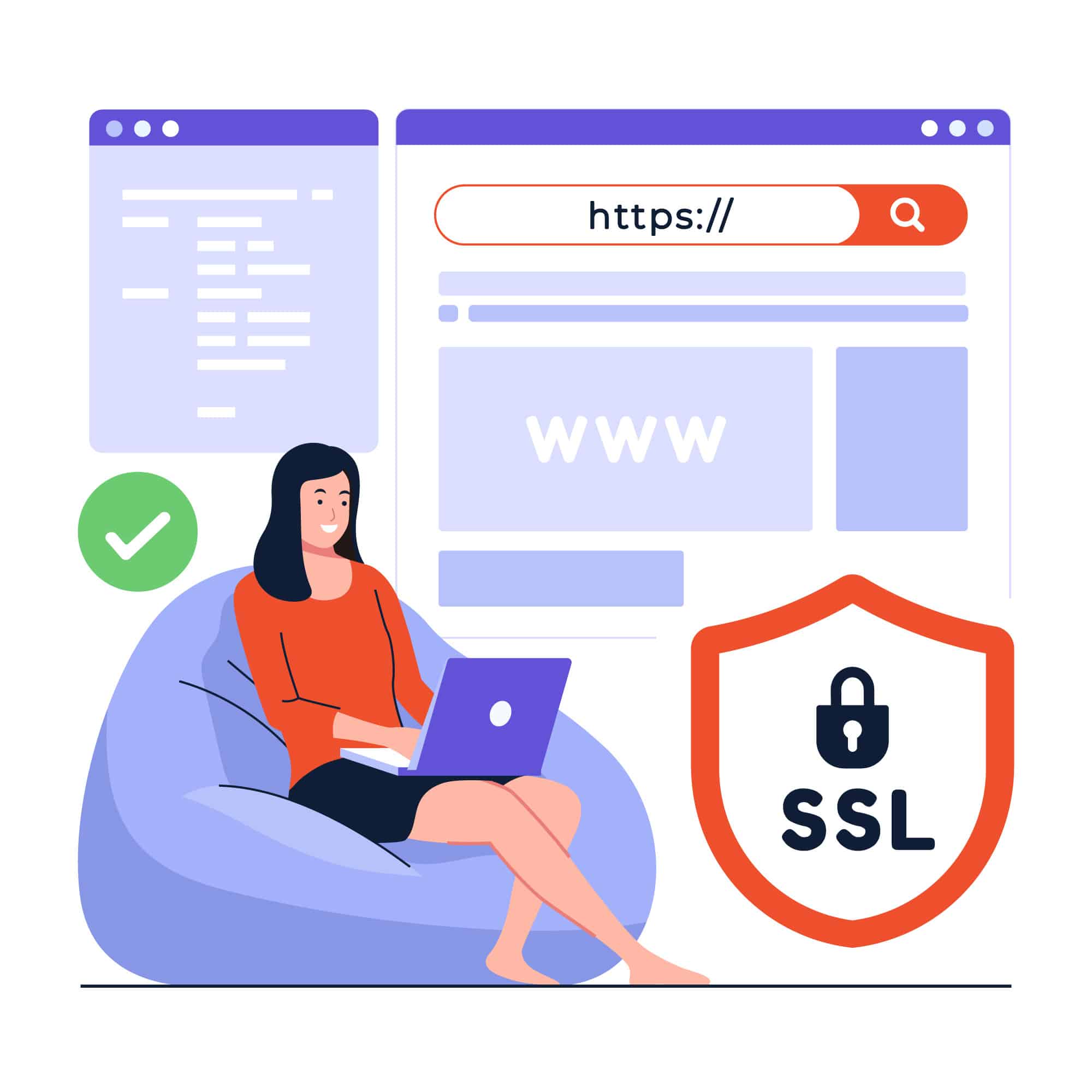
URL을 받아보자 https://www.webhostingzone.org, for example. Here, “webhostingzone” is the domain name, “https” is the security protocol, “www” is the subdomain, and “.org” is the top-level domain.
도메인 이름을 웹사이트의 집 주소라고 생각하세요. 집 주소가 1마일 길이의 문자와 숫자로 이루어진 답답한 문자열이기를 원하는 사람은 아무도 없습니다.
완벽한 도메인 이름 선택: 팁 및 모범 사례
이제 도메인 이름이 무엇인지 알았으니 자신의 도메인 이름을 선택하게 되어 기쁩니다. 하지만 2015년까지 알고 계셨나요? 2억 9400만 개의 도메인 이름이 등록되었습니다.? 이 숫자는 그 이후로 계속 증가하고 있습니다. 이 거대한 수영장에서 독특한 수영장을 찾는 것은 건초 더미에서 바늘을 찾는 것과 같습니다. 그래서 당신이해야 할 일은 다음과 같습니다.
첫째, 단순히 웹사이트를 식별하는 것 이상의 역할을 하기 때문에 임의의 이름을 선택하지 마십시오. 누구도 이상한 조합으로 웹사이트나 링크에 접근하고 싶어하지 않기 때문에 고객을 얻거나 잃을 수 있는 힘이 있습니다.
Also, keep it short and simple but don’t go too overboard. Anywhere between 6 to 14 characters would be the bee’s knees.
Shorter than that would confuse your readers and push them away from clicking. And longer would become cumbersome for people to type and remember.
더 많은 것은 무엇입니까? SEO에도 영향을 미칠 수 있습니다. 따라서 업계와 브랜드의 키워드를 포함하세요. 또한 하이픈, 숫자, 동일한 문자를 연속해서 사용하지 마세요.
그리고 마지막으로, 당신이 가장 좋아하는 이름은 뷔페 테이블 위에 오래 머물지 않을 것입니다. 그러니 다른 사람이 손에 넣기 전에 먼저 잡으세요.
단계별 가이드: 도메인 이름 구입 방법

While finding the right domain name is the cornerstone, you can’t use it yet. You must first register the name on a hosting service. Now what exactly are hosting services? Well, these companies provide a service to publish your website online and make it accessible to people.
At the outset, the process might seem like a technical marathon, but it’s not. It is quite straightforward if you research and find a good registrar.
It is also worth mentioning that you can purchase a web address either directly, from a registrar, a web-hosting service, or website-building platforms.
If you’re unsure where to find these, we’ll discuss that later in this article. But for now, let’s see how you can buy a domain name.
도메인 이름 등록 살펴보기: 프로세스 및 요구 사항
위에서 공유한 팁에 따라 도메인 이름을 선택했다고 가정하고 등록 프로세스에 대해 논의해 보겠습니다.
먼저 선택한 이름이 사용 가능한지 확인하세요. 거의 모든 등록기관에는 무료 도메인 확인 도구 that you can use.
이미 수행한 경우 다음 네 가지 옵션이 있습니다.
- Come up with a different name
- 발음에 영향을 주지 않고 단어에서 모음을 제거하는 프로세스인 모음 제거를 사용합니다.
- 소유자와 협상하기 위해 등록기관에 비용을 지불하고 소유자가 귀하에게 이를 판매할 의향이 있는지 확인하십시오.
- 다른 최상위 도메인으로 이동
The next step is to choose a registrar. Do your due diligence and pick the best one that suits your needs. Moreover, consider its cost and customer support.
이름은 다음 중 어느 곳에서나 비용이 들 수 있습니다. 연간 $10~$20하지만 시작 및 갱신 수수료에 유의하세요. 일반적인 단어와 같은 프리미엄 도메인은 비용이 더 높습니다.
While the exact steps to get a domain name may vary for each registrar, the process is similar. Start by selecting the one you want, provide your contact details, and choose the registration period.
기간이 만료되면 구독을 갱신하는 것을 잊지 마세요. 등록기관에 따라 이 과정 중 특정 시점에 계정을 만들어야 합니다.
다음으로 개인 정보 보호 설정을 하고, 결제를 진행한 후, 엿보는 눈을 피하기 위해 소유권을 확인하세요. 그게 다입니다. 도메인을 확보했습니다.
도메인 이름 구입처: 평판이 좋은 등록 기관 및 시장
Earlier, we mentioned that buying and registration will become child’s play if you choose a good provider. So after learning how to register a domain name, it’s time to explore some registrars and marketplaces.
Let’s start with the most famous one, 네임칩, 도메인 구매 시 무료 WhoisGuard 개인 정보 보호 기능을 제공합니다. 또한 장기적으로 도움이 될 수 있는 이름과 호스팅 번들도 제공합니다. 그들의 고객 지원은 최고 중 하나로 보증되었습니다. Namecheap에는 Stellar, Stellar plus 및 Stellar Business의 세 가지 공유 호스팅 계획이 있으며 가격은 각각 월 $1.98, $2.98 및 $4.98입니다.
웹호스팅존 다른 도메인 이름 공급자입니다. 12개의 TLD가 있으며 각각 $15에서 $69.99까지 가격이 다릅니다. Also, you can either buy a new domain, transfer an old one, or renew it.
People have reviewed WebHostingZone as having the best customer support. It also has a domain checker and provides alternate options with prices.
Google never stays behind, does it? Its domains start at $7 per year! However, keep in mind that each TLD has a different price, .com starting from $12 per year. Other services are email forwarding, privacy protection, Google 2-Step Verification, etc. And we all know about Google’s security.
그러나 한 등록기관에서 이름을 사용할 수 없으면 다른 곳에서도 사용할 수 없다는 점을 기억하십시오.
Conclusion
도메인 이름은 귀하의 웹사이트가 있는 웹 주소입니다. 웹사이트 주소를 짧게 유지하고, 숫자와 하이픈을 피하고, 브랜드 키워드를 통합하여 좋은 집 주소를 제공하세요.
또한 도메인 등록 기관 및 호스팅 서비스를 선택할 때 예산과 구체적인 요구 사항을 기억하세요.
대부분의 등록업체는 호스팅을 제공하지만 동일하지는 않습니다. 웹사이트를 등록한다고 해서 호스팅 서비스를 통해 활성화될 때까지 해당 웹사이트를 사용할 수 있다는 의미는 아닙니다.